1
CHAPTER
8
General Commands
Library Commands
P-CAD Signal Integrity simulation results depend on parts and macromodel specifications. These
specifications are looked-up in a database – the model library. This library is split into two sections:
•
Basic library
•
User library
The Basic library is an integral part of P-CAD Signal Integrity and cannot be modified.
The User library is initially empty and the user can use the Macromodel editor to insert custom
models and parts into the model library.
When the simulator looks-up a model or a part (searching is done by name) it first searches the
User library. If the desired model or part is not found in the User library, the simulator tries to find
in the Basic library. If the model or part is not found in the Basic library either, the simulator uses a
fallback model: Fallback model Technology HC.
The Library commands are accessed from the Library menu, which appears on the menu bar on the
P-CAD Signal Integrity screen. They deal with editing Macromodels and importing IBIS files.
Each of these commands is discussed below.
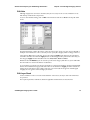
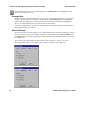
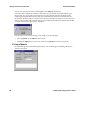
Macromodel Editor
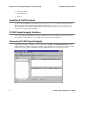
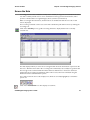
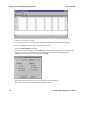
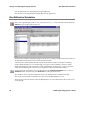
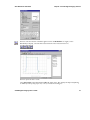
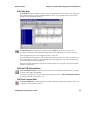
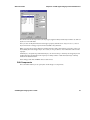
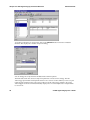
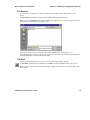
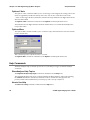
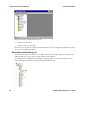
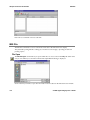
Choosing Macromodel Editor from the Library pull-down menu displays the Macromodel Editor
window which is similar in appearance and functionality to the Microsoft Windows’ Windows
Explorer display.
P-CAD Signal Integrity User’s Guide
93