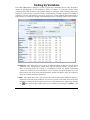
1
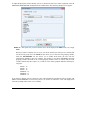
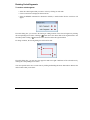
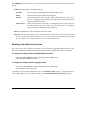
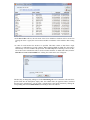
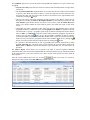
(*.CSV), MS Word (*.DOC), HTML file (*.HTM; *.HTML), XML files (*.XML), Excel spreadsheet file (*.XLS; *.XLSX), and SPSS data file (.SAV). Type a valid file name with the proper file extension. Click the Save button. To append a copy of the table in the Report Manager: Click the button. A descriptive title will be provided automatically for the table. To edit this title or to enter a new one, hold down the SHIFT keyboard key while clicking this button. To append only a single hit from the table, select the row containing the text segment you want to append to the Report Manager and click the button. For more information on the Report Manager, see the Report Manager Feature topic on page 230. To print the table: 116 Click the button. QDA Miner User’s Manual