1
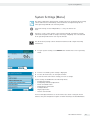
System Settings (Menu)
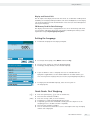
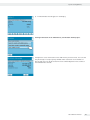
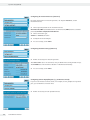
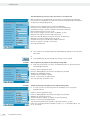
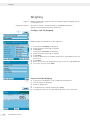
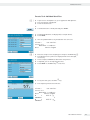
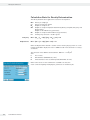
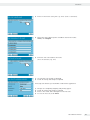
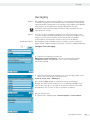
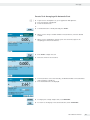
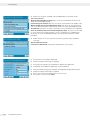
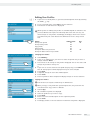
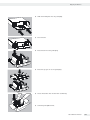
y The programmed action is displayed in the list of actions.
Here you can edit them again at any time.
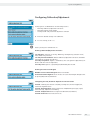
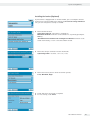
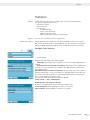
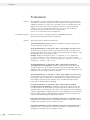
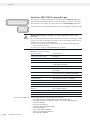
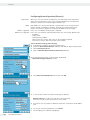
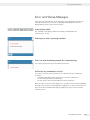
Displaying Device Information
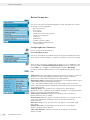
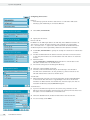
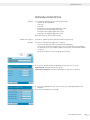
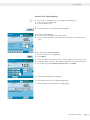
You can view various information here.
t Select the information that you want to view.
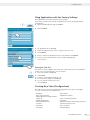
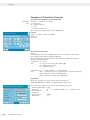
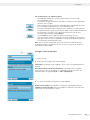
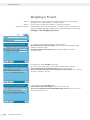
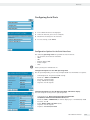
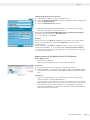
Viewing Basic Information
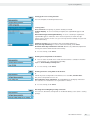
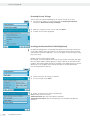
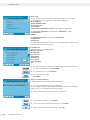
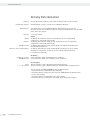
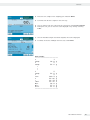
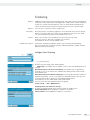
Here you can find all information about manufacturer, model, serial number, host
name and IP address used.
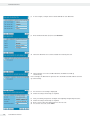
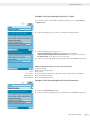
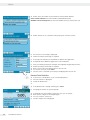
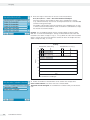
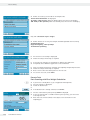
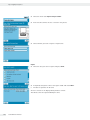
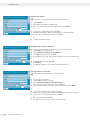
t To display SQmin and DKD parameters, touch 53OKP&-&.
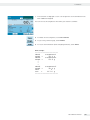
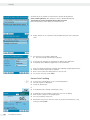
t To view the version of the balance, display and control unit and application
software, press 8GTUKQP.
t To view the weighing ranges and digits (resolution) touch 4CPIGU.
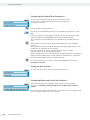
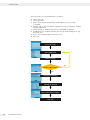
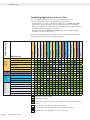
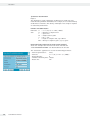
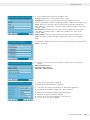
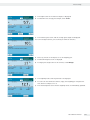
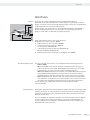
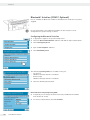
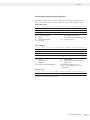
Information about Service and the Hotline
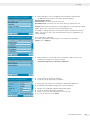
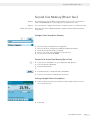
Service contact information is displayed here along with the hotline number as well
as maintenance contract and maintenance interval information.
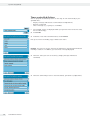
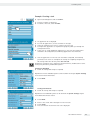
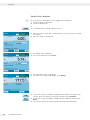
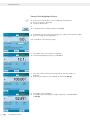
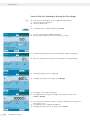
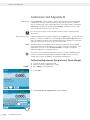
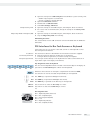
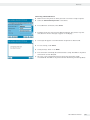
Viewing Calibration and Adjustment Data
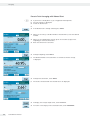
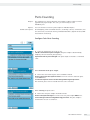
The log file is displayed here with the results of all calibration and adjustment
routines.
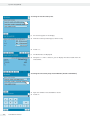
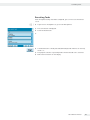
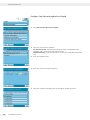
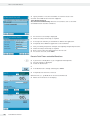
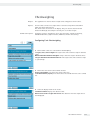
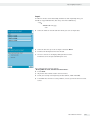
Viewing Recordings in Audit Trail In Audit Trail, all changes are logged that have
been performed in the Menu, in the user profiles and in the task profiles.
The following will be recorded: User, profile, parameter ID, parameter, old and new
setting.
40
Cubis MSA User Manual