1
2
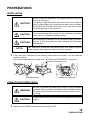
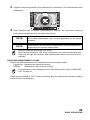
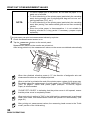
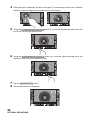
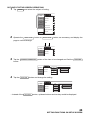
Tilt the body slowly so that the POWER switch is on top and the power inlet at the bottom
can be seen.
3
4
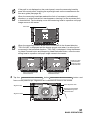
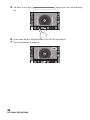
Connect the power cable to the Power inlet.
Insert the power cable plug into the 3-pin AC grounding
receptacle.
CONNECTING EXTERNAL I/O TERMINALS
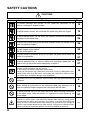
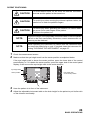
CAUTION
To avoid electric shock, do not touch the external connection
terminal and the patient at the same time.
Use the external device complying with IEC60950/IEC60950-1.
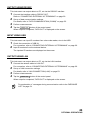
DATA OUTPUT
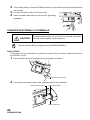
This product can be connected to a personal computer (PC) and other external devices via
the RS232C or LAN.
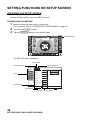
1
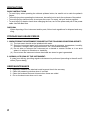
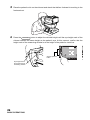
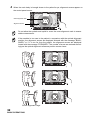
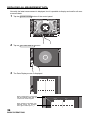
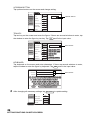
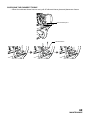
Remove the External I/O terminal cover by pulling up as follows.
External I/O terminal cover
2
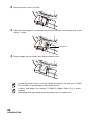
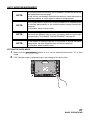
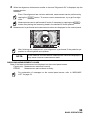
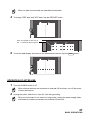
Connect the connection cable to the output terminal of the instrument.
RS232C output terminal
LAN output terminal
USB input terminal
20
PREPARATIONS