1
The inking process
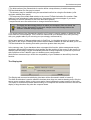
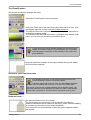
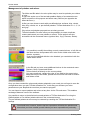
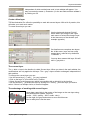
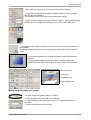
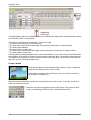
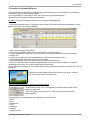
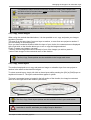
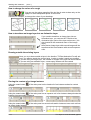
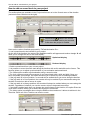
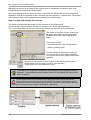
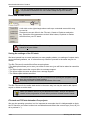
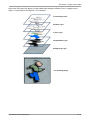
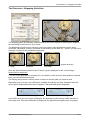
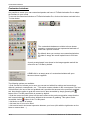
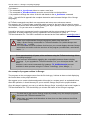
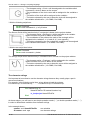
* on all layers displayed on the screen
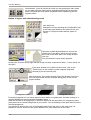
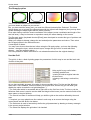
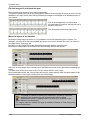
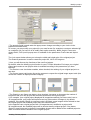
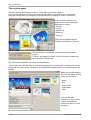
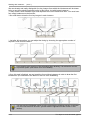
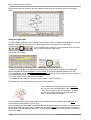
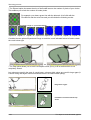
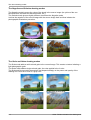
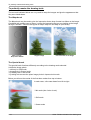
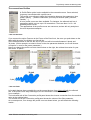
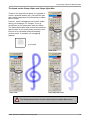
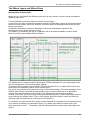
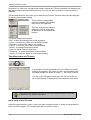
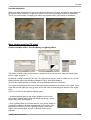
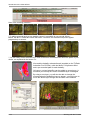
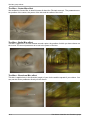
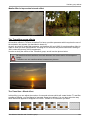
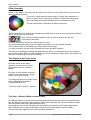
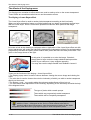
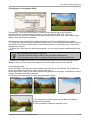
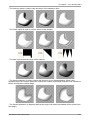
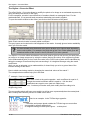
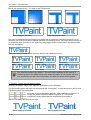
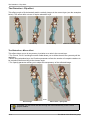
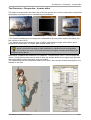
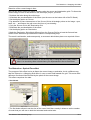
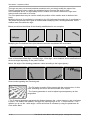
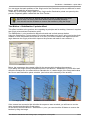
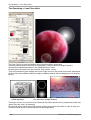
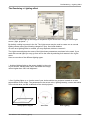
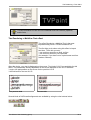
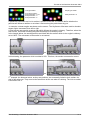
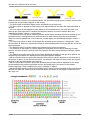
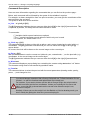
It is therefore possible to color our running kid on a layer independent of its contours.
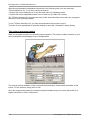
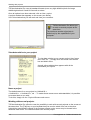
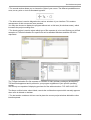
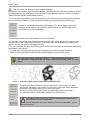
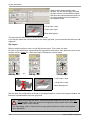
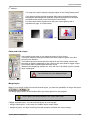
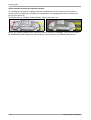
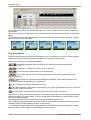
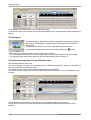
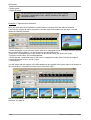
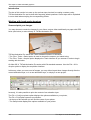
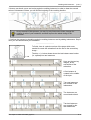
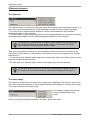
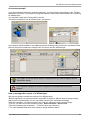
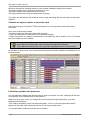
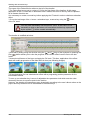
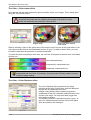
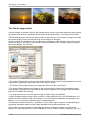
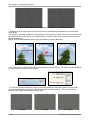
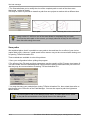
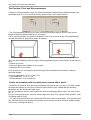
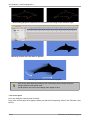
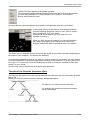
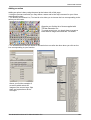
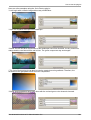
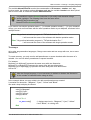
Let's take a look at the timeline below:
(in this case, the white pixels are transparent following a clean up of the animated footage)
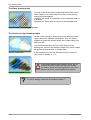
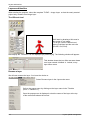
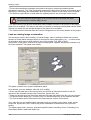
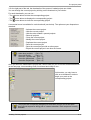
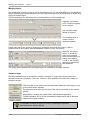
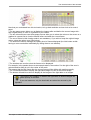
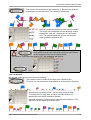
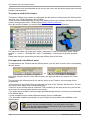
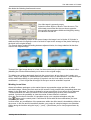
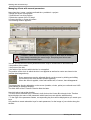
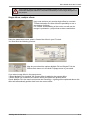
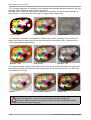
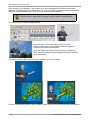
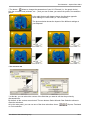
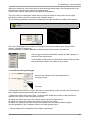
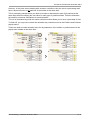
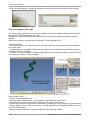
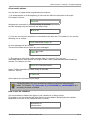
Go to the «coloring layer» located behind the «Running Kid» layer and choose the layer placed in
front of the current layer to color the running kid in the «coloring layer» using the outline of the
«Running Kid» layer.
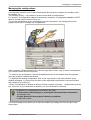
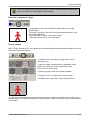
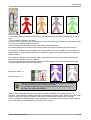
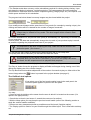
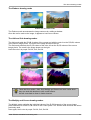
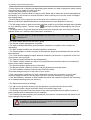
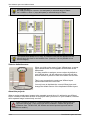
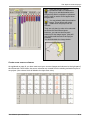
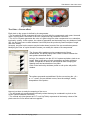
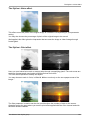
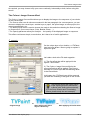
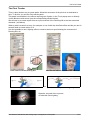
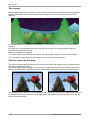
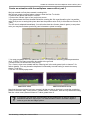
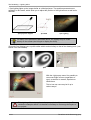
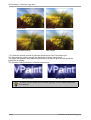
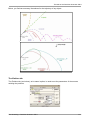
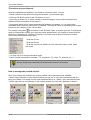
It is then possible to obtain the following result:
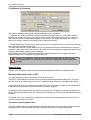
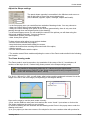
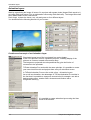
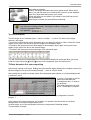
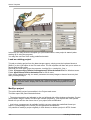
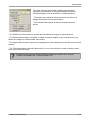
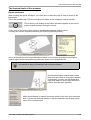
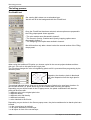
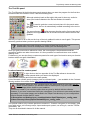
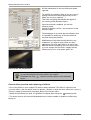
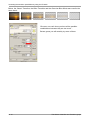
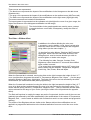
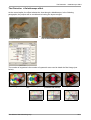
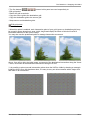
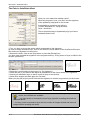
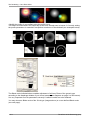
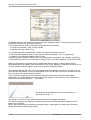
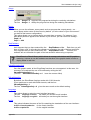
* The Range option enables you to numerically adjust the tolerance threshold for the
aforementioned criteria (Fill shape menu).
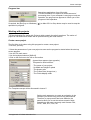
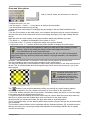
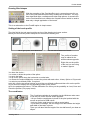
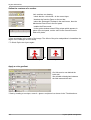
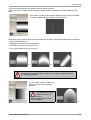
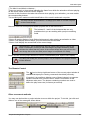
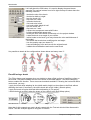
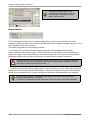
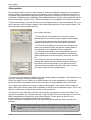
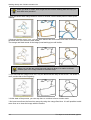
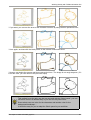
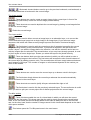
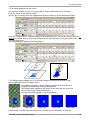
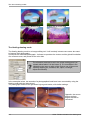
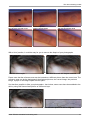
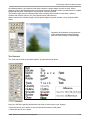
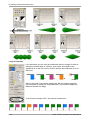
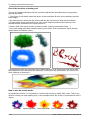
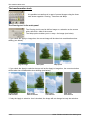
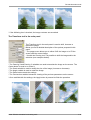
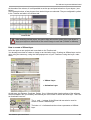
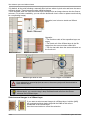
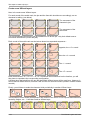
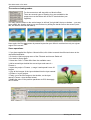
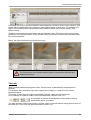
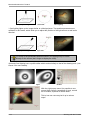
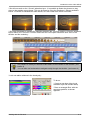
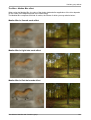
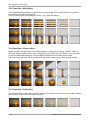
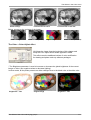
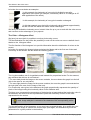
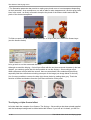
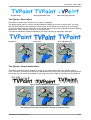
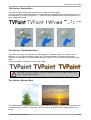
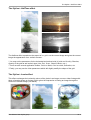
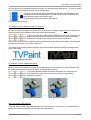
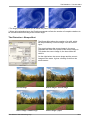
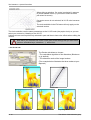
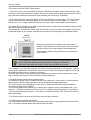
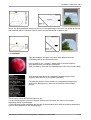
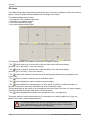
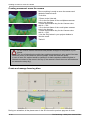
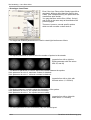
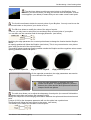
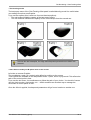
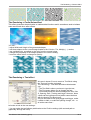
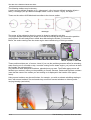
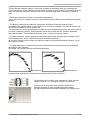
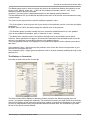
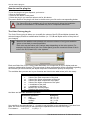
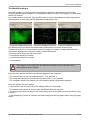
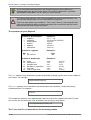
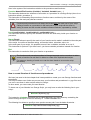
For example, opposite, a green shape is drawn with an airbrush on a
transparent surface with a checker background.
The floodfill option applied in the center of the circle with the color blue
provides the image results shown below.
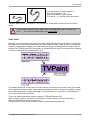
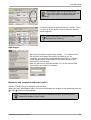
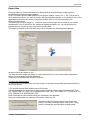
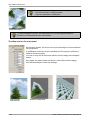
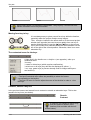
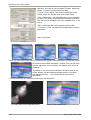
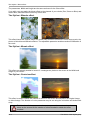
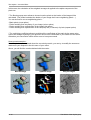
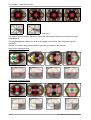
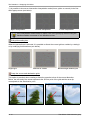
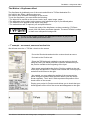
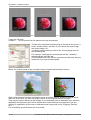
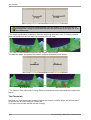
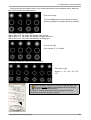
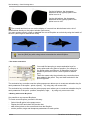
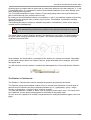
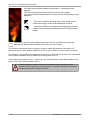
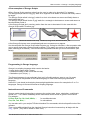
fill = color and opacity, expand = 0 (in all cases below)
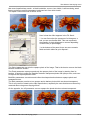
range = 0
range = 50
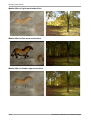
range = 100
range = 200
range = 255
Progressively, it is noted that the tolerance to «border» pixels becomes less and less.
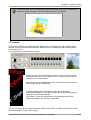
The steps to create animated graphics
6-25