1
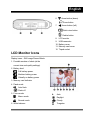
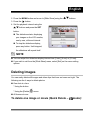
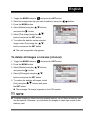
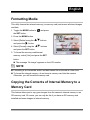
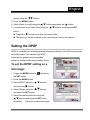
English 1. Open the lens cover. 2. Toggle the MODE button to , and press the SET button. 3. To start recording a video clip, press the shutter button. Shooting continues until you press the shutter button again. 4. Pressing the shutter button again stops recording. NOTE The self-timer cannot be adjusted used. The flash mode is disabled. Viewing Video Clips To view the recorded video clips, follow the steps below. 1. Toggle the MODE button to , and press the SET button. 2. Move to the movie you want to see using the buttons. 3. Press the shutter button. Playback begins. The elapsed playback indicator or the elapsed time is displayed on the LCD monitor. Press the shutter button again to stop the playback. (To pause/ resume: press the button) -30-