1
Managing Security Policies
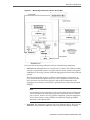
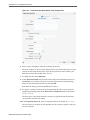
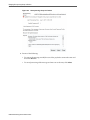
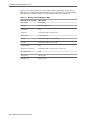
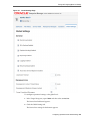
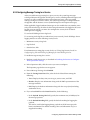
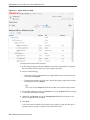
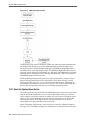
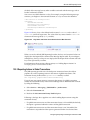
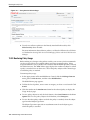
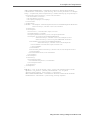
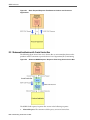
Figure 13-2
Attach/Detach Policies Window
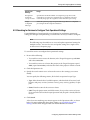
3. In the Available list, select a policy to attach, and then click Attach.
4. Repeat the above step for each policy to attach.
5. Click Validate to verify the configuration.
6. Click OK to close the Attach/Detach Policies window.
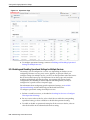
The new policies appear in the Directly Attached Policies table.
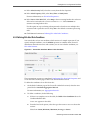
13.4.2 Detaching Policies from a Service
To detach policies from a service:
1. Access the Policies page for the service you want to configure, as described in
Viewing the Policies Attached to a Service.
2. Above the Directly Attached Policies table, click Attach/Detach.
The Attach/Detach Policies window appears.
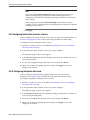
3. In the Directly Attached Policies list, select a policy to detach, and then click
Detach.
4. Repeat the above step for each policy to detach.
5. Click Validate to verify the configuration.
13-6 Administering Oracle Service Bus