1
Annex I I– Survey Instrument
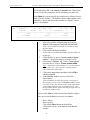
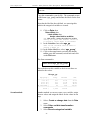
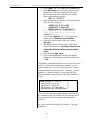
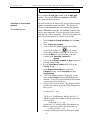
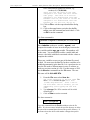
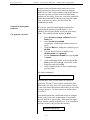
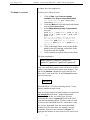
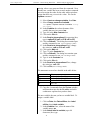
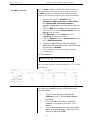
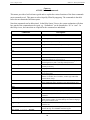
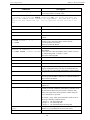
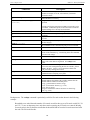
Stata 13 Sample Session
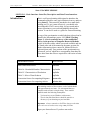
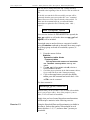
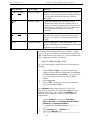
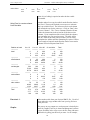
Command
assert
append using
mvencode varlist, mv (#),
[override]
mvdecode varlist, mv (#)
egen
regress depvar varlist
xi: regress ....i.variable
predict variable
probit
search
tables
reshape
fillin varlist
(svy commands)
tables
format varlist %fmt
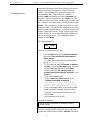
Description
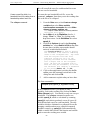
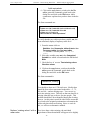
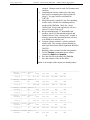
assert verifies that an expression is true. if it is, the command
produces no output; if it is not, assert informs you that the
"assertion is false".
append appends a STATA-format dataset stored on disk to the
end of the dataset in memory.
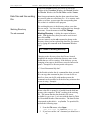
changes all occurrences of missing to # in the variable listing
specified.
override specifies the protection provided by mvencode is to be
overridden. without this option, mvencode refuses to make the
requested change if # is already used in the data.
changes all occurrences of # to missing in the variable list
creates a new variable equal to the specified functions and its
arguments
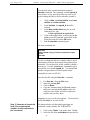
regress estimates a model of the dependent variable on variables
in varlist
constructs categorical dummy variables for variables omitting
the first category.
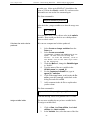
stores the predicted values from the regression in variable. what
this command can do is determined by the previous command.
probit estimates maximum-likelihood probit models.
searches the keyword database. Use search when you are not
certain of the command, e.g., search string shows all commands
associated with strings.
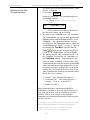
calculates and displays tables of statistics.
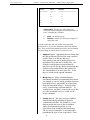
converts data from wide to long form and vice versa. ‘wide’ and
‘long’ refer to how data are organized. See reshape notes
below.
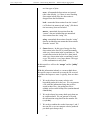
adds observations with missing data so that all combinations of
varlist exist, thus rectangularizing the file. the variable _fillin is
added to the data. _fillin is 1 for created observations and
0 for previously existing observations.
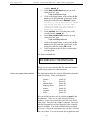
these are commands prefixed with ‘svy’ and they pertain to
commands used in analyzing survey data.
calculates and displays tables of statistics.
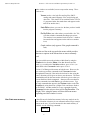
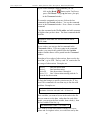
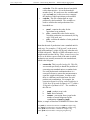
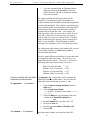
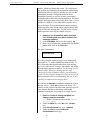
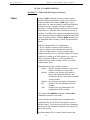
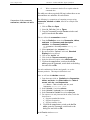
formats numeric variables as follows--number before the
decimal indicates the length of the variable, number after the
decimal indicates number of decimal places:
%#.#g - general numeric format (%5.0g)
%#.#f - fixed numeric format (e.g., %5.2f)
%#.#e -base 10 power
strings are formatted as follows and can be 81 chars long:
%#s (e.g., %10s)
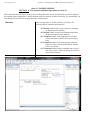
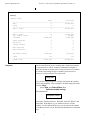
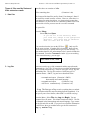
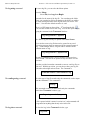
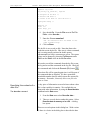
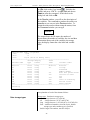
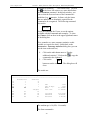
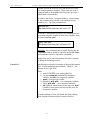
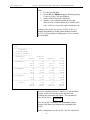
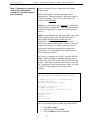
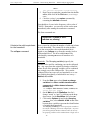
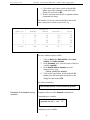
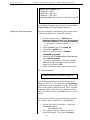
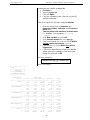
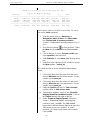
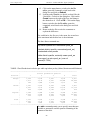
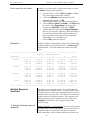
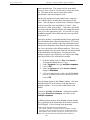
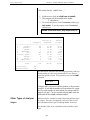
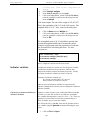
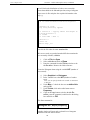
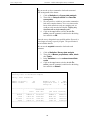
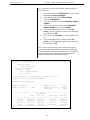
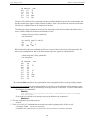
Reshape notes: The reshape command is particularly useful for files such as that shown in the following
example:
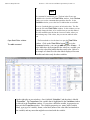
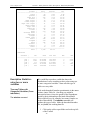
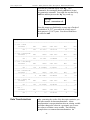
Households were asked about the number of livestock owned for three types of livestock coded 330, 331
and 335. To save on data entry time, only those entries reporting any livestock were entered. Missing
livestock codes in the file therefore means that the household did not own the livestock associated with
the code. The file looks like this.
122