1
Presentation tools
USB Display (continued)
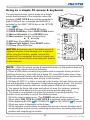
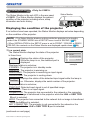
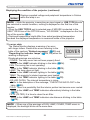
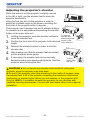
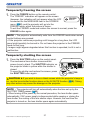
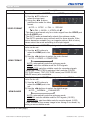
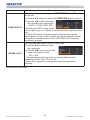
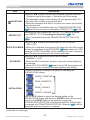
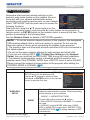
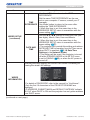
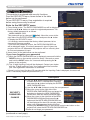
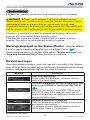
Right-Click menu
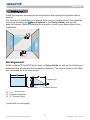
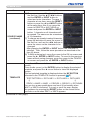
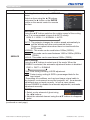
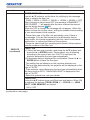
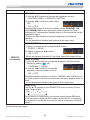
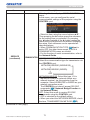
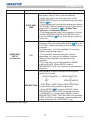
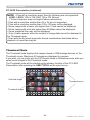
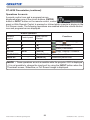
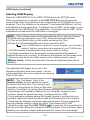
The menu shown in the right will be displayed
when you right-click the application icon in the
Windows notification area.
Display : The Floating menu is displayed, and
the icon disappears from the Windows
notification area.
Quit
: The application is closed, and the icon disappears from the Windows
notification area.
NOTE • If you wish to restart the application, you need to unplug the USB
cable and plug it again.
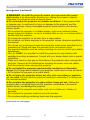
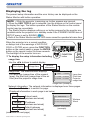
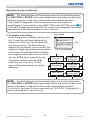
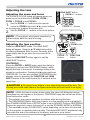
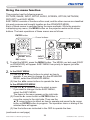
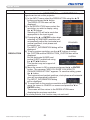
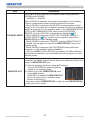
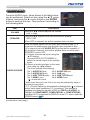
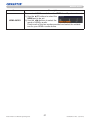
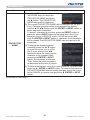
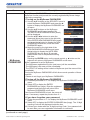
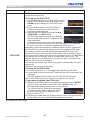
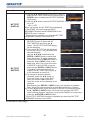
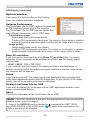
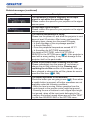
Floating menu
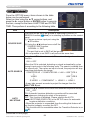
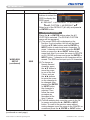
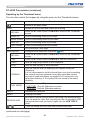
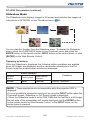
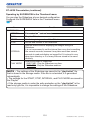
If you select “Display” on the Right-Click
menu, the Floating menu shown in the right
will appear on your computer screen.
1
3
4
5
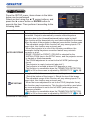
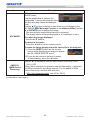
1 Start capture button
The transmission to the projector is started
2
and the images will be displayed.
2 Stop capture button
The image transmission is stopped.
3 Hold button
The image on the projector’s screen is temporally frozen. The last image before
the button is clicked is remained on the screen. You can revise the image data
on your computer without showing it on the projector's screen.
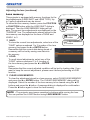
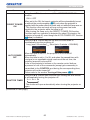
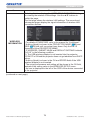
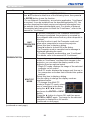
4 Option button
The Options window is displayed.
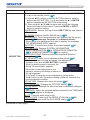
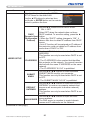
5 Minimize button
The Floating menu is closed, and the icon reappears in the Windows notification
area.
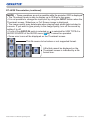
NOTE • Images may not be displayed on screen, if the start/stop capture
buttons are clicked repeatedly.
LX501/LX601i User Manual-Operating Guide
105
020-000461-01 Rev. 1 (03-2012)