1
Q&A
Q1: How to install the LABTOOL-T400 software?
Ans:
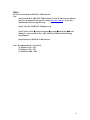
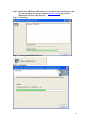
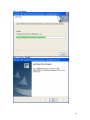
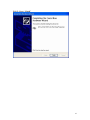
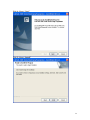
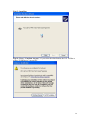
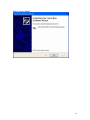
Step1. Install the LABTOOL-T400 software. If you do not have the software,
and you can download it from our website(www.aec.com.tw). If you have
installed the software, skip this step.
Step2. Turn the LABTOOL-T400 power on.
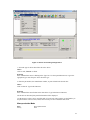
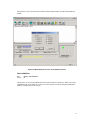
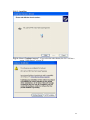
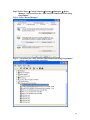
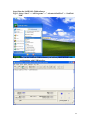
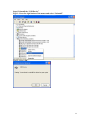
Step3. Select “Start Æ Control Console Æ System Æ Hardware Æ Device
Manager” and you will see the “AEC LabTool-T400 Turbo Flash Gang
Programmer”.
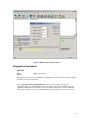
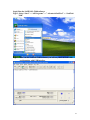
Step4. Run the LABTOOL-T400 software.
Note : Recommended O.S. in your PC
(1) Windows XP + SP1
(2) Windows XP + SP2
(3) Windows 2000 + SP4
41