1
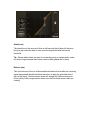
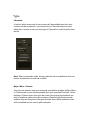
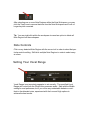
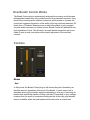
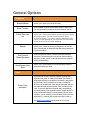
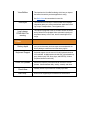
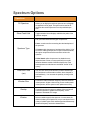
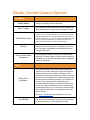
defining a Custom scale, click upon the notes of the popup keyboard that you
wish to enable as options for pitch correction. When the individual notes are
enabled, they will turn gold or dark gold for black keys. White and black notes
will be disabled and not used in pitch correction.
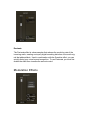
Input/Output Meters and Toolbar
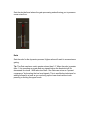
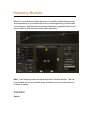
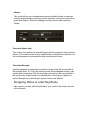
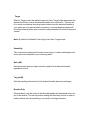
In the bottom right of the Pitch Editor plug-in’s interface are I/O meters and a toolbar with global menu buttons. Input/Out Meters
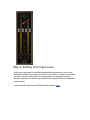
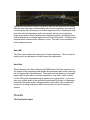
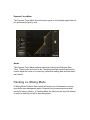
The Input/Output Meters allow you to monitor the levels of your audio both while
capturing and playing back.
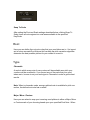
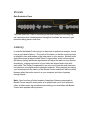
Bypass Button
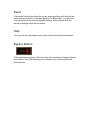
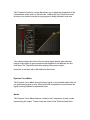
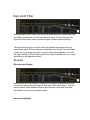
Clicking the Bypass button will bypass the Pitch Editor’s processing in your
DAW, allowing you to compare your original vocal track to the processing of
Nectar’s Pitch Editor.
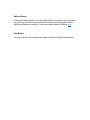
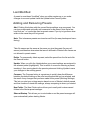
History Button
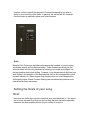
Clicking the History button opens the History menu, which allows you to recall
and compare settings and adjustments. Learn more about the History menu
here.