1
ICP DAS WISE User Manual
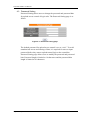
4 Basic Setting
Under the Basic Setting section, it allows to perform Time Setting, Ethernet
Setting and Password Setting for controllers.
4.1 Time Setting
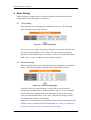
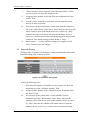
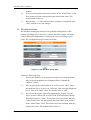
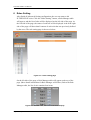
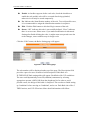
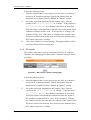
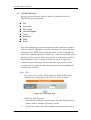
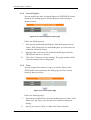
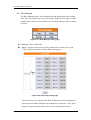
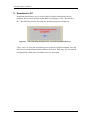
Time Setting is for setting up time on hardware devices. The following
figure illustrates the set up interface:
Figure 4-1:
:Time setting page
On every entry you make, this page will display current date and time that
are read from the hardware device clock. You can remotely modify the
date/time of the hardware device clock here. After you finish modification,
click “Save” to save all changes to the hardware devices.
4.2 Ethernet Setting
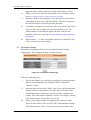
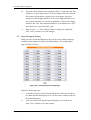
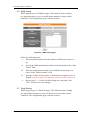
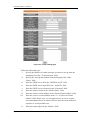
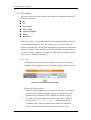
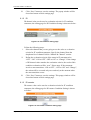
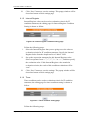
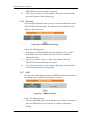
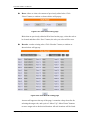
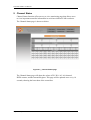
Ethernet Setting allows you to perform network configuration on hardware
devices. The following figure illustrates the configuration interface:
Figure 4-2:
:Ethernet setting page
Each time when you enter this page, it will display current network
configuration automatically read from hardware devices. You can modify
IP/Mask/Gateway configuration of the hardware devices in this section.
After you finish modification, click “Save” and then all changes will be
saved and written back to the hardware.
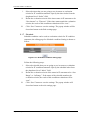
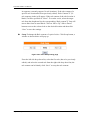
Please note: if you make any modification to the network configuration, the
hardware device will reboot itself automatically. So if there are changes to
IP, please use the new IP to re-connect to the web page.
http://www.icpdas.com
13