1
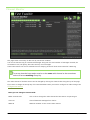
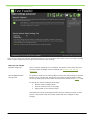
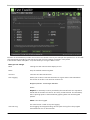
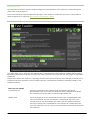
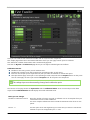
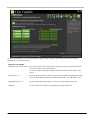
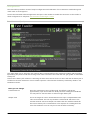
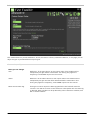
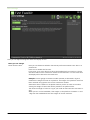
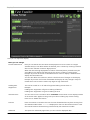
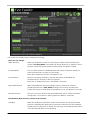
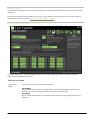
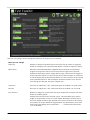
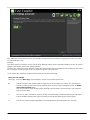
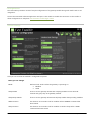
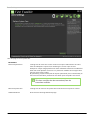
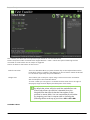
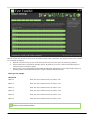
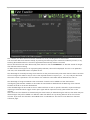
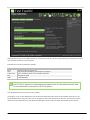
Relay Settings Advanced
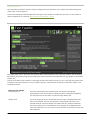
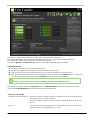
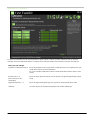
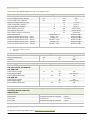
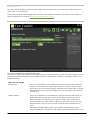
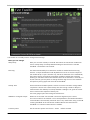
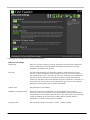
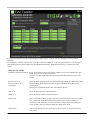
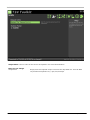
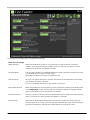
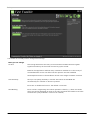
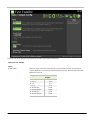
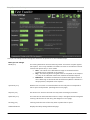
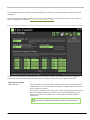
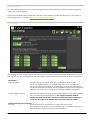
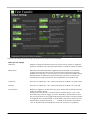
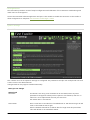
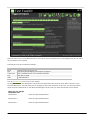
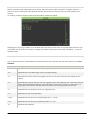
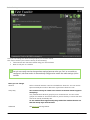
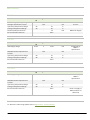
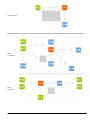
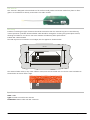
Here you can change various settings that influence the operation of the individual relays.
Items you can change:
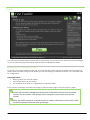
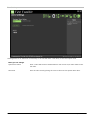
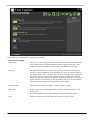
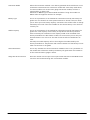
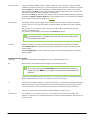
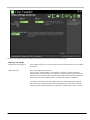
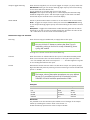
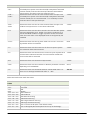
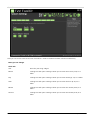
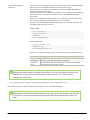
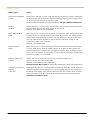
Relay Reset Data Tag [1-2]
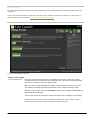
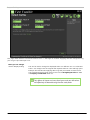
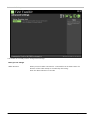
Waker Duration
Enter a Data Tag that on receipt will reset the latched relay. Enter zero to disable
this feature.
Enter zero to disable this feature.
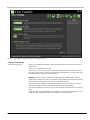
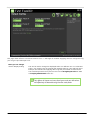
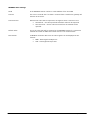
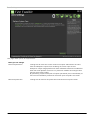
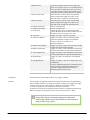
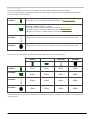
Enter a time in milliseconds for this module to attempt to wake transmitter
modules when first powered up. The default is 12000 milliseconds (12 seconds).
All modules on the same radio channel and sharing the same Group key will be
woken when the relay module powers up when this function is enabled.
Transmitter modules will be kept awake while this module has power applied.
The transmitter modules should have a Sleep Delay set so that after the relay
module has been powered down the transmitter modules then return to sleep.
Mantracourt Electronics Limited
210
T24 Telemetry User Manual