1
User Guide
VersaLink Gateway (B90-327W15-06)
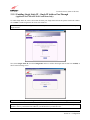
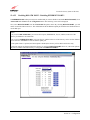
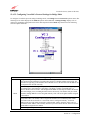
13.6.3.1 Configuring VersaLink’s Protocol Settings for PPPoA Mode
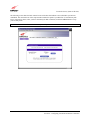
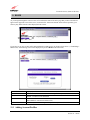
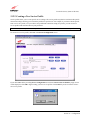
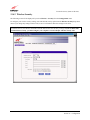
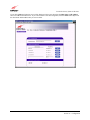
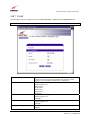
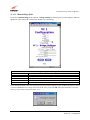
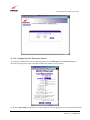
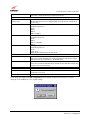
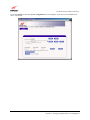
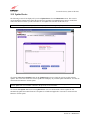
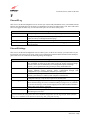
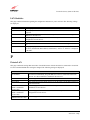
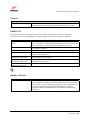
To configure VersaLink’s protocol settings for PPPoA mode, select PPPoA from the Protocol drop-down menu.
Next, click the set VC button to save the settings.
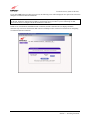
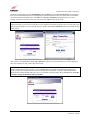
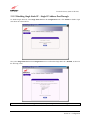
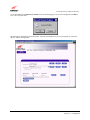
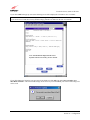
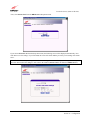
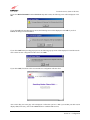
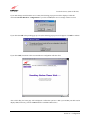
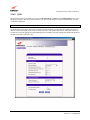
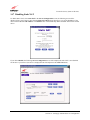
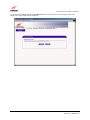
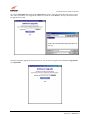
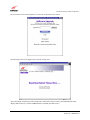
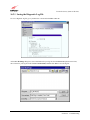
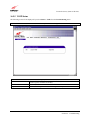
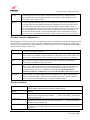
If you clicked the set VC button, the following pop-up screen will be displayed. Click on OK in the pop-up screen. If
you click on Cancel, the new settings will not be saved. After you click on OK, follow the instructions to reset the
Gateway, as previously discussed in section 13.6.3.
030-300444 Rev. A
86
December 2005
Section 13 – Configuration