1
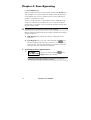
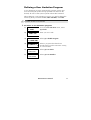
Chapter 6: Setting Follow-Me
Numbers
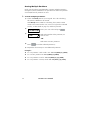
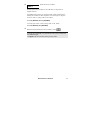
[*] [2] [7] [CODE] [#]
In the case of an alarm or event, the system can initiate a phone
call to a designated telephone or pager and employ unique tones
or messages to express the active event.
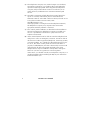
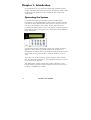
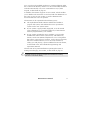
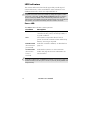
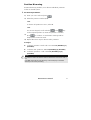
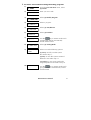
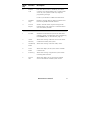
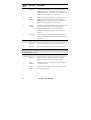
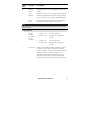
To enter/edit a Follow-Me phone number:
1)
2)
3)
4)
5)
USER FUNCTIONS:
1) BYPASS
ACTIVITIES:
1) UTIL OUTPUT
INSERT CODE:
UPDATE PHONE:
01) PHONE NO 01
EDIT FM NO:01
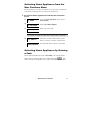
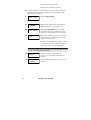
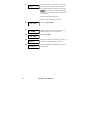
From the User Functions menu, select
[2] Activities.
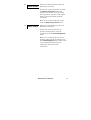
Select [7] FM PHONES.
Enter your user code.
Select the FM index number you want to
edit.
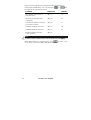
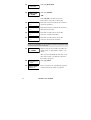
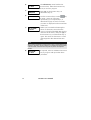
Enter the phone number, including the
area code (if required).
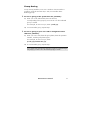
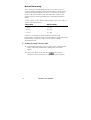
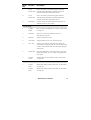
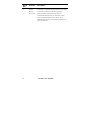
After entering the phone number, two questions are
displayed. These questions enable you to define the
permission assigned to the designated phone when the
Advanced Voice Module is connected to the system. FM
phone numbers can also be used for remote operation. Refer
to the Voice Module Programming and Operations Manual
for more information.
38
ProSYS User’s Manual