1
Microair Avionics
T2000SFL Transponder
User Manual
3.4 MODE KEY
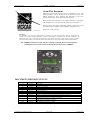
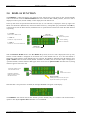
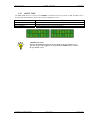
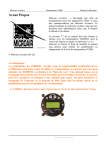
The MODE key can be used to access two separate menus:
Mode Key
• If the transponder is turned on, by holding down the MODE key, and pressing the ON key, the T2000SFL
will start in PROGRAM MODE. The MODE key must be held down, until the start-up self-test messages
have been displayed.
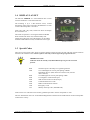
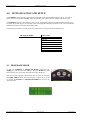
• If the transponder is ON and in normal operation, press the MODE key to access the MODE MENU. The
first item of the MODE MENU is displayed. Step through the MODE MENU by pressing the MODE key.
After the last menu item the T2000SFL returns to the operational display currently in use.
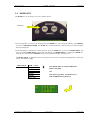
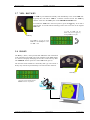
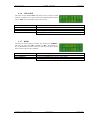
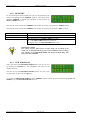
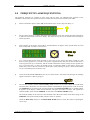
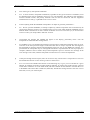
The MODE MENU is designed to allow the operator fast easy access to functions and parameters, which may
need to be adjusted in flight.
MODE MENU
QNH or Baro
Assigned
Buffer Alt
Altitude
Voltage
Backlits
Alert Tone
T2000SFL User Manual 01R6.doc
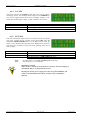
USE MODE KEY TO STEP THROUGH
MENU OPTIONS
OR
USE THE Toggle KEY TO RETURN TO
THE OPERATIONAL DISPLAY
Page 10 of 28
10th May 2007