1
Understanding Document Actions
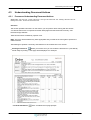
Procserve Document Attachments
94
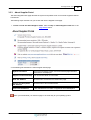
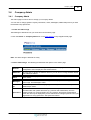
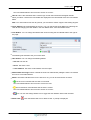
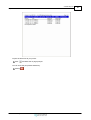
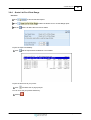
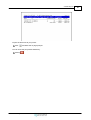
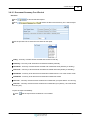
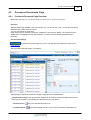
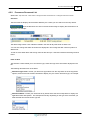
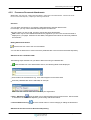
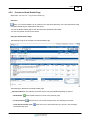
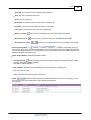
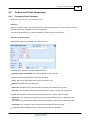
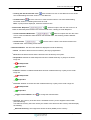
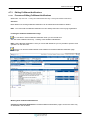
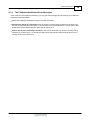
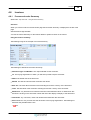
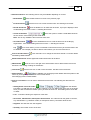
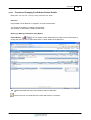
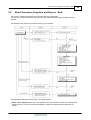
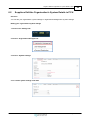
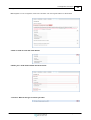
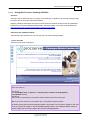
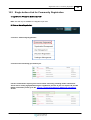
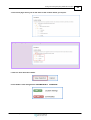
The following list describes how you select and attach an existing document:
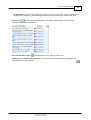
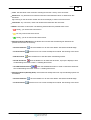
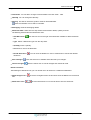
o Select one of the attachments from the list by clicking on the File Name.
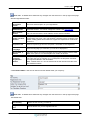
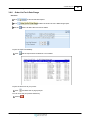
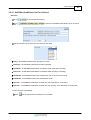
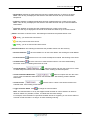
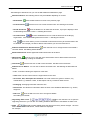
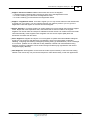
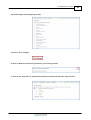
o Save Attachment.
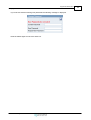
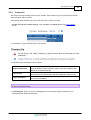
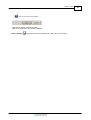
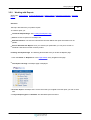
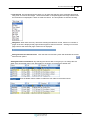
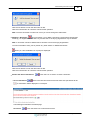
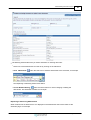
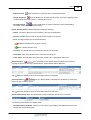
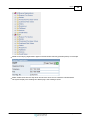
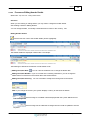
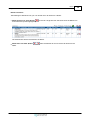
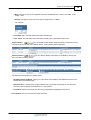
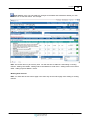
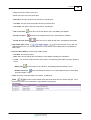
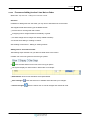
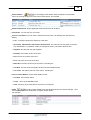
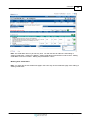
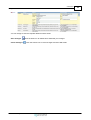
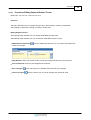
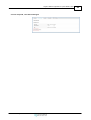
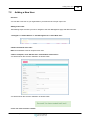
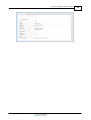
Click the Save icon to save the attachment to the document, for example:
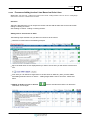
See Replacing or Removing Attachments below.
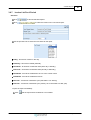
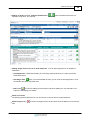
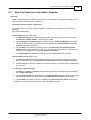
o Cancel Without Saving.
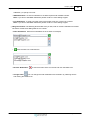
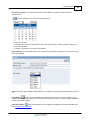
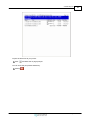
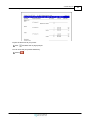
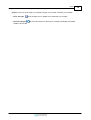
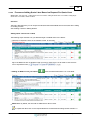
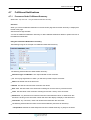
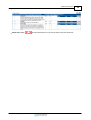
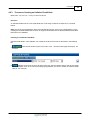
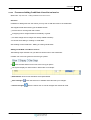
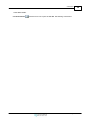
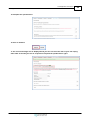
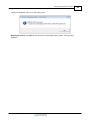
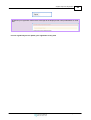
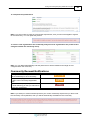
Click the Cancel button to cancel changing or adding the
attachment. The attchment is added. For example:
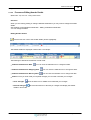
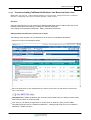
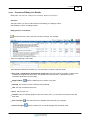
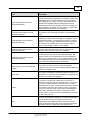
Replacing or Removing Attachments
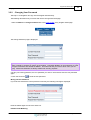
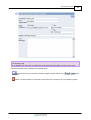
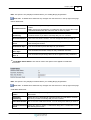
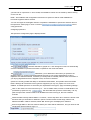
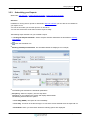
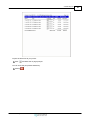
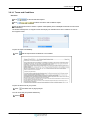
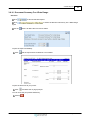
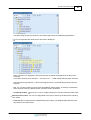
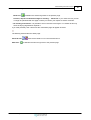
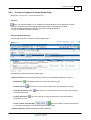
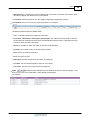
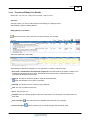
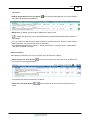
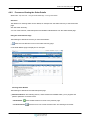
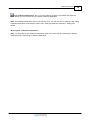
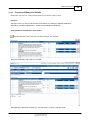
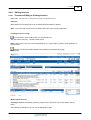
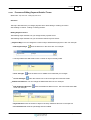
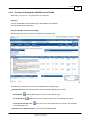
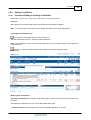
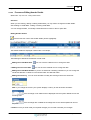
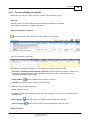
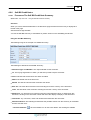
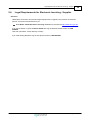
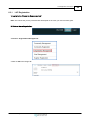
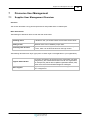
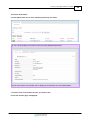
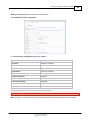
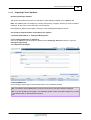
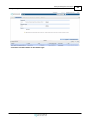
When a Quote has an attachment it it is displayed in the attachments area of the create or edit
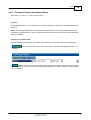
document page. For example:
© Procserve Holdings Limited 2013