1
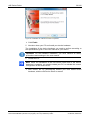
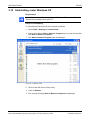
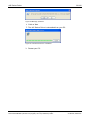
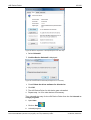
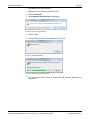
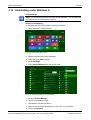
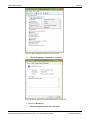
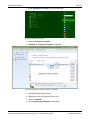
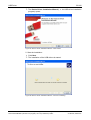
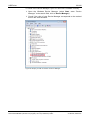
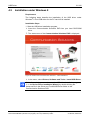
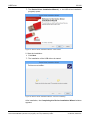
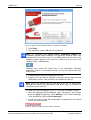
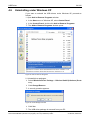
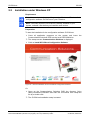
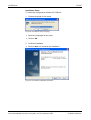
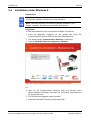
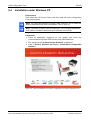
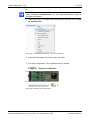
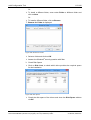
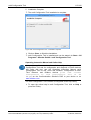
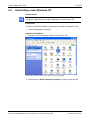
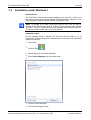
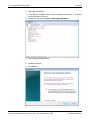
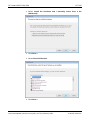
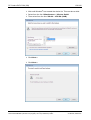
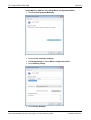
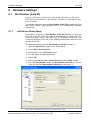
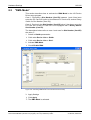
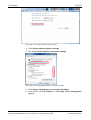
USB Driver 4 4.1 50/160 USB Driver SystemRequirements The system requirements listed below are valid for the USB Driver: PC with 586-, Pentium® processor or higher Windows® XP, Windows® Vista (32-Bit), Windows® 7 (32-Bit), Windows® 7 (64-Bit), Windows® 8 (32-Bit) oder Windows® 8 (64-Bit) Administrator privilege is required during installation DVD ROM drive 4.2 Installation Overview The installation of the USB driver as driver for the diagnosis interface is only required for the PC cards cifX which are equipped with an USB interface Compact PCI (CIFX80), PCI-104 (CIFX 104C), PC/104 (CIFX 104) and for the PC cards cifX equipped with the assembly interface diagnostic (AIFX-DIAG) PCI-104 (CIFX 104C\F) and PC/104 (CIFX 104\F). Install the USB Driver if the USB interface shall be used for diagnosis purposes. The USB driver is required, if SYCON.net or netX Configuration Tool shall be used for diagnosis via the USB interface. For PC cards cifX PC/104 the USB interface can also be used to download the firmware or the configuration. Note: Always use the installation program, if possible, to install the USB driver, as described on the following pages. If older USB driver versions are installed on your system, uninstall them first before you install the new version. Install the USB driver before you connect your PC card cifX to your PC via USB cable (“software first” principle). Important: As you can use the USB diagnostic interface of the PC card cifX, you must have completed the firmware download to the PC card cifX. When you connect the PC card cifX to the PC via USB cable, Windows can identify the appropriate USB driver only if a firmware is running on the PC card cifX. Details on how to download the firmware you will find in the online help of your configuration system. After installing the USB driver and connecting your PC card cifX via USB cable, check in the Windows Device Manager if the driver has been correctly installed and if Windows recognizes the connected PC card cifX. Software Installation for the PC Cards cifX | Installing Drivers and Configuration Software DOC120207UM36EN | Revision 36 | English | 2014-07 | Released | Public © Hilscher, 2008-2014