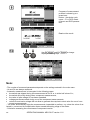
1
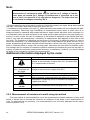
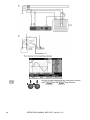
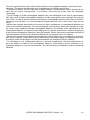
3.7.3 Measurements with AutoISO-1000c adapter
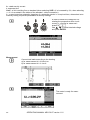
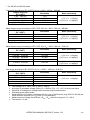
Settings
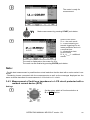
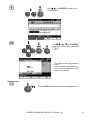
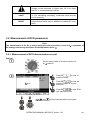
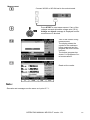
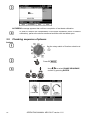
Set the rotary switch of function selection at
RISO position.
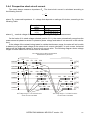
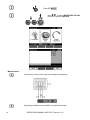
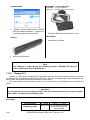
Connect AutoISO-1000c adapter.
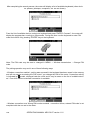
The meter detects this fact automatically and changes the appearance of the screen.
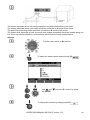
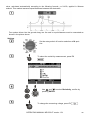
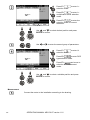
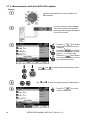
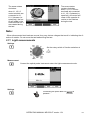
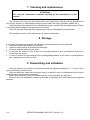
Press F1
push-button
and move to selection of test
voltage UN.
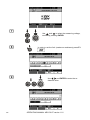
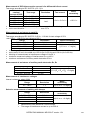
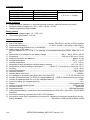
Press F2
push-button
and move to selection of lead
type (3-, 4- or 5-wire lead).
Press F3
push-button
and move to selection of a single measurement time.
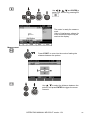
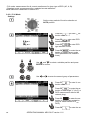
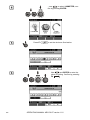
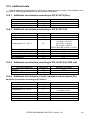
Use
and
to select desired position and press
ENTER to confirm.
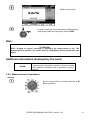
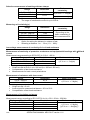
Use
and
to enter the second group of parameters.
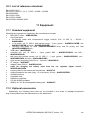
Press F3
to set the
minimal resistance.
68
OPERATING MANUAL MPI-530-IT version 1.01