1
References
Conversion
Converting to Version 6.0x
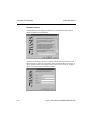
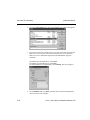
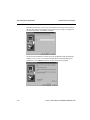
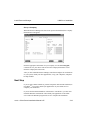
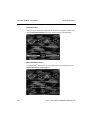
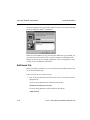
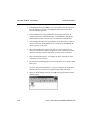
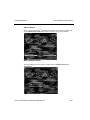
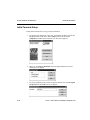
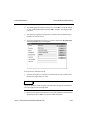
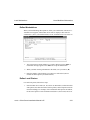
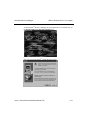
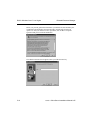
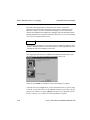
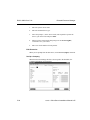
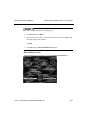
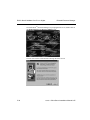
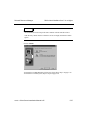
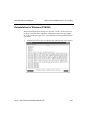
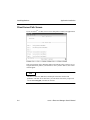
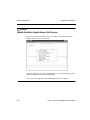
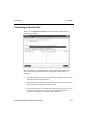
When you select Data File Conversion from the Company Setup menu, the
function screen appears.
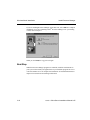
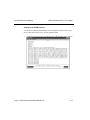
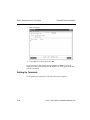
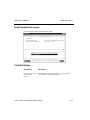
The conversion process is automatic and invisible to you. Simply specify path
names for the source and destination files, the application, and a couple of
preferences.
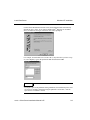
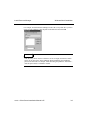
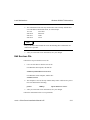
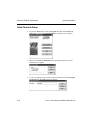
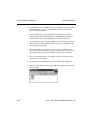
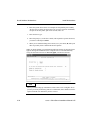
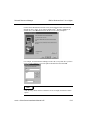
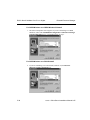
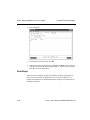
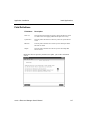
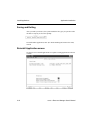
1. Select the target directory from the list. (The system assigns a number to each
OSAS data path with assigned values.)
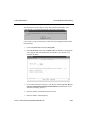
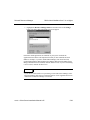
2. Enter the path (drive and directory) that has the files you want to convert. You
cannot enter the same path as the destination path.
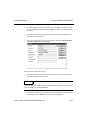
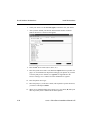
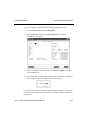
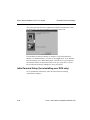
3. If you want source files to be erased after conversion, enter Y; if not or if you
are not sure, enter N. When you are sure that the conversion has been
completed successfully, you can delete your old data files.
Resource Manager Installation Manual 6.05
E-5