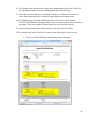
1
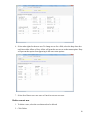
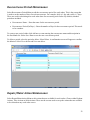
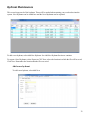
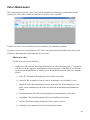
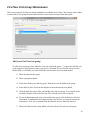
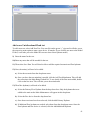
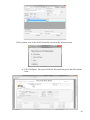
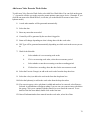
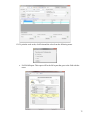
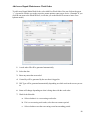
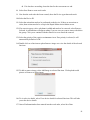
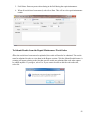
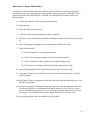
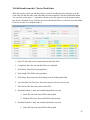
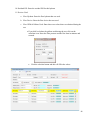
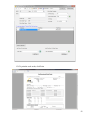
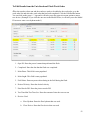
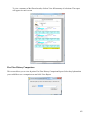
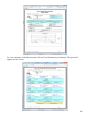
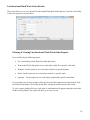
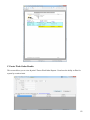
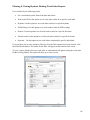
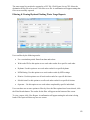
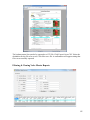
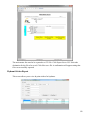
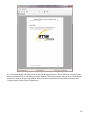
User can filter by the following results: Install Date- Use this option to see main details by date range of installation. Last Maint Date- Use this option to see main details by date range of last maintenance. Max Size Between- Use this option to see main detail results for a max size range. Main Length Between- Use this option to see mains by a range in length. Main ID- Use this option to see main details for a specific main ID. Status- Use this option to see main details for a specific status. Pipe Type-Use this option to see main details for a specific type of pipe. Connection- Use this option to see main details for a specific main connection. User can chose one or more options to filter by. Once the filter options have been selected, click the Filter Results button. The results for the filter will appear on the bottom of the screen. To view a report, click View Report. A confirmation will appear stating the selection is being loaded. The report will show up in a new screen. 128