1
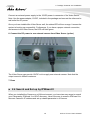
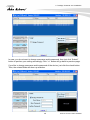
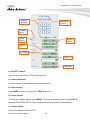
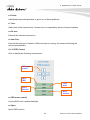
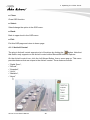
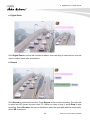
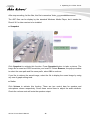
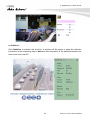
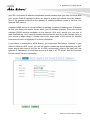
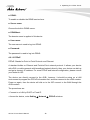
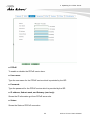
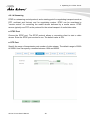
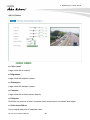
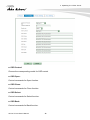
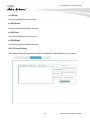
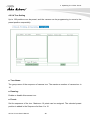
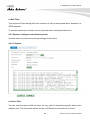
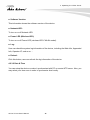
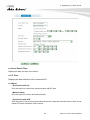
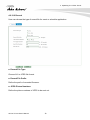
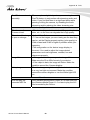
4. Operating the Video Server Camera direction Hide PTZ control Camera speed Zoom control Focus control Preset Go tour Tour Auto pan Hide PTZ control: Click the icon will hide the PTZ control function. Camera direction: Control camera up/down/left/right and home position. Zoom control: Press WIDE to zoom out, and press TELE to zoom in. Focus control: To focus on a nearby object, press NEAR. To focus on a distant object, press FAR. By pressing ONE PUSH AF, the focus is set to the optimum position automatically. Camera speed: Choose the speed of Pan and Tilt. AirLive VS-100 User’s Manual 22