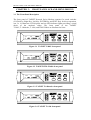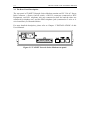
1
3-4
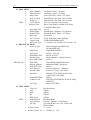
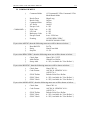
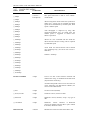
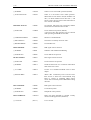
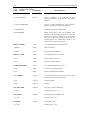
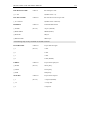
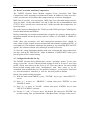
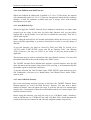
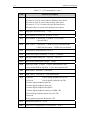
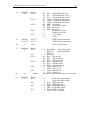
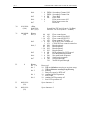
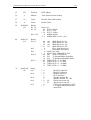
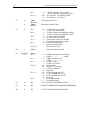
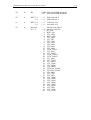
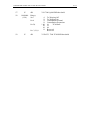
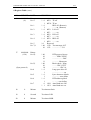
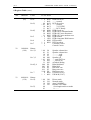
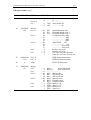
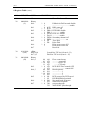
FRONT PANEL LCD AND MENU-DRIVEN
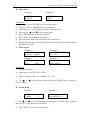
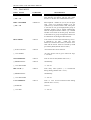
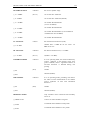
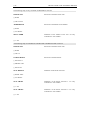
B. Menu Select
Example 1 :
Example 2 :
L MENU Select
STATUS
L MENU Select
TEST
Description:
1) In top menu, press "ENTER" key to enter this menu.
2) Select "LOCAL"or "REMOTE" first if connected.
3) The character "L" on the upper left corner stands for local.
4)
5)
6)
7)
8)
You may use " " and " " keys to select menu.
Press "ENTER " key to enter the "MENU".
Press "EXIT" key to quit from this menu.
Note that status menu is not available before connection.
Remote Status menu is not available before connecting and secondary channel
should be set to ON.
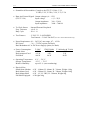
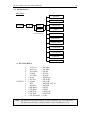
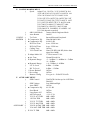
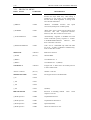
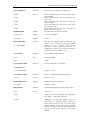
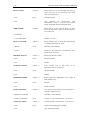
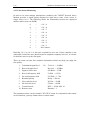
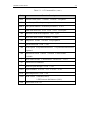
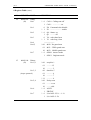
C. Menu Screen
Example 1 :
L STATUS
RX Level =-10dBm
Example 2 :
R CONFIG MODEM
TX clock
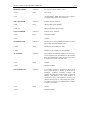
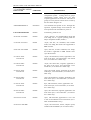
Example 3 :
L TEST
LAL
Example 4 :
L DIAL
Dial a number
(ON)
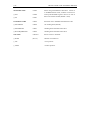
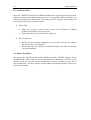
Description :
1) L-Local, R-Remote.
2) Menu name: STATUS, TEST, DIAL.......
3) Status or setting: RX Level=-10dBm, LAL = ON
4) Use " " or " " keys to shift among field; press "ENTER" key to enter the
selected menu.
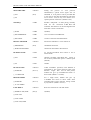
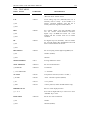
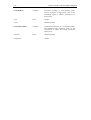
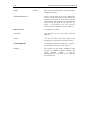
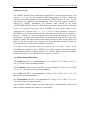
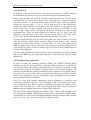
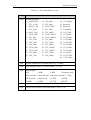
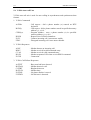
D. Set-up Menu
Example 1 :
LL TX Level
-10dBm
Example 2 :
←
R Protocol type
Auto MNP/V42 ←
1) Use " " or " " keys to shift among field, then press "ENTER" key to confirm
and wait for ← appears on the LCD screen.
2) Press "EXIT" key to quit from this menu.