1
NANO-QM57A EPIC SBC
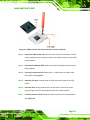
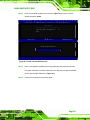
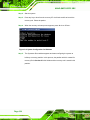
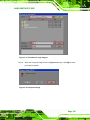
Step 9: The Proceed with partition image creation window appears, click Yes to
continue.
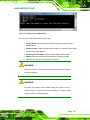
Figure C-15: Image Creation Confirmation
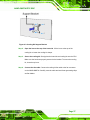
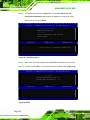
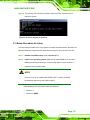
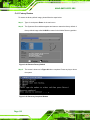
Step 10: The Symantec Ghost starts to create the factory default image (Figure C-16).
Figure C-16: Image Creation Complete
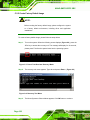
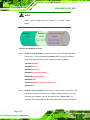
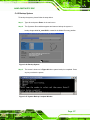
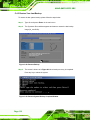
Step 11: When the image creation completes, a screen prompts as shown in Figure A-7.
Click Continue and close the Ghost window to exit the program.
Figure C-17: Image Creation Complete
Page 110