1
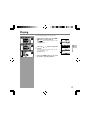
Backlight (Backlight)
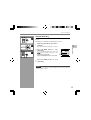
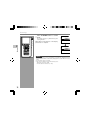
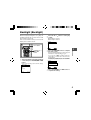
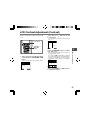
When the display backlight is set to [On], the
backlight will light up for about 10 seconds
when a button is pressed.
This is useful in that it allows you to check the
display even in dark locations.
2
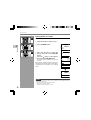
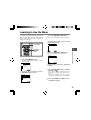
Press the
or [Off].
+ or – button to select [On]
On...Backlight is enabled.
Off...Backlight is disabled.
Backlight
On
Off
F1, F3 button
BACK
1
–,
3
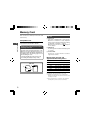
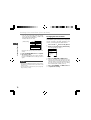
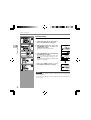
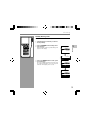
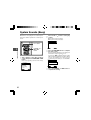
Select [Backlight] at the [Display Menu]
screen, then press the PLAY/OK or 9
button.
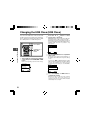
Press the PLAY/OK button to complete
the setup screen.
[On Set] or [Off Set] will light up on the display, and
it will return to the [Display Menu] screen.
If you press the 0 or F1(BACK) button the
setting will be cancelled and it will return to the
[Display Menu].
Pressing the F3(EXIT) button will cancel the
contents being set and take you out of the MENU.
Backlight
On
Off
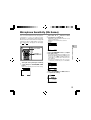
Refer to P.33 regarding each menu item settings.
Display Menu
Backlight
Contrast
LED
Language
12
BACK
BACK
EXIT
4
3
Backlight
PLAY/OK,+ ,
9, 0
button
PLAY/OK
EXIT
On
Set
EXIT
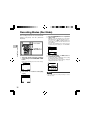
Press the F3 (EXIT ) or 0 button to
complete the setting.
41