1
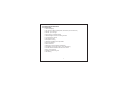
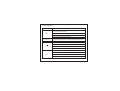
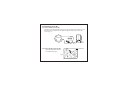
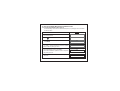
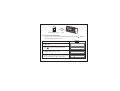
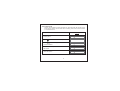
5.4.3 Playback voice message
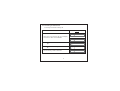
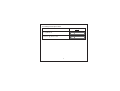
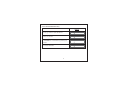
Display
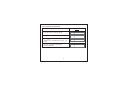
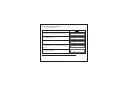
When the Car Kit is idle and is connected with
mobile phone
CONNE CTED
Press [
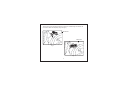
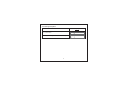
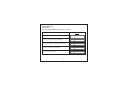
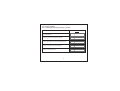
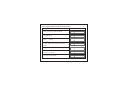
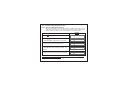
M E S S A G E :
1
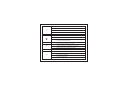
Press “3” button for next message or “1” button
for previous message
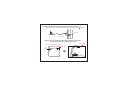
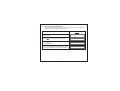
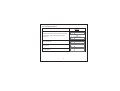
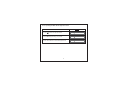
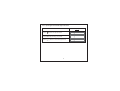
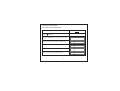
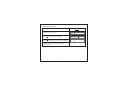
M E S S A G E :
2
Press [ ] button and [OK] button to delete the
message
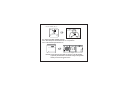
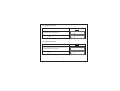
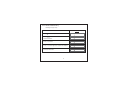
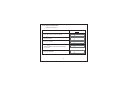
M E S S A G E :
2
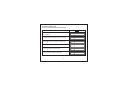
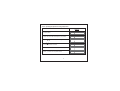
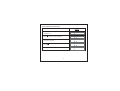
Press [C] button to stop the playback
CONNE CTED
] button to start playback
37