1
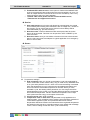
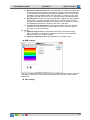
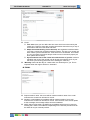
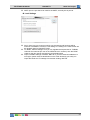
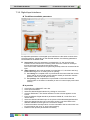
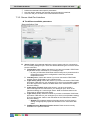
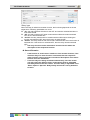
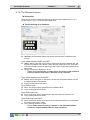
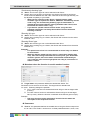
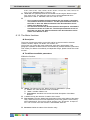
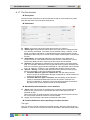
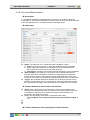
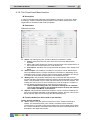
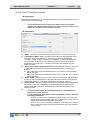
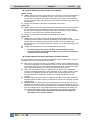
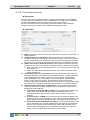
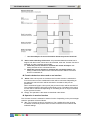
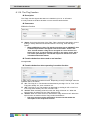
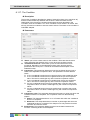
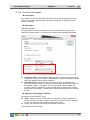
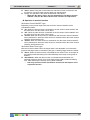
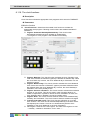
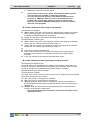
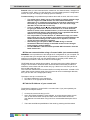
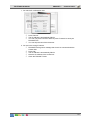
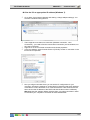
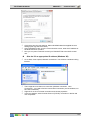
TELETASK Handbook PROSOFT > Functions 8.1.13. The TP Buzzer functions Description The 'TP buzzer' function sends from another function an adjustable number of beep tones to an adjustable interface. Parameters Within the function The function is only available in another function. When called from another function Interface: This parameter defines the interface which has to beep. This setting is only necessary with the 'TP Buzzer' type. Target value: Put in the number of beep tones which is sent to the selected interface. Function behaviour when used on an interface Not applicable Operation in another function 'TP Buzzer' type A 'TP Buzzer' can only be selected in another function. This function sends a pre set number of beep tones to a selected interface, when the other function is selected. The number of beep tones is adjustable in the target value. Following target values are available: 'XX times': Select here the number of beep tones that the selected interface has to produce, when the function is activated. XX can swing for each unit between 1 till 255. By default the number of beep tones is set at 1. 'XX times/-': Select here the number of beep tones that the selected interface has to introduce, when the function is activated. XX can swing for each unit between 1 till 255. By default the number of beep tones is set at 1. When the function is switched off nothing happens. Not every function can be switched off. Consult for that matter the description of the respective function. When 255 beep tones are sent to the TELETASK TV interface, then the image of the TV interface will switch to the externally connected camera. Application examples: Every time that somebody rings at the entrance, one or more touch panels in the house are beeping a predefined number of times. Every time when the front-door is opened the touch panels in the house are beeping once. Every time when the back door is opened the beepers are beeping twice… just to let you know. Every time when a message appears on a display (touch panel), the beeper of the touch panel is activated. When it concerns an alarm, you can use a timed 88