1
Installation
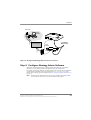
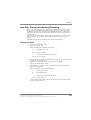
Stratagy System Configuration
Use this function to change Stratagy’s system options and parameters, and define time-out
values. Most Stratagy System Configuration options do not require modification.
We recommend that you modify the system password immediately. All other options have
default values, but can be modified as required.
➤
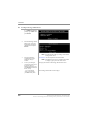
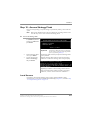
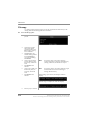
To configure the Stratagy software
1.
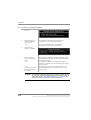
From the Tools menu,
press 6.
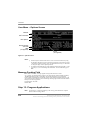
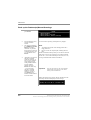
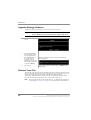
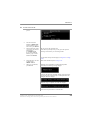
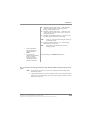
The system configuration file displays. The parameters are
listed in alphabetical order.
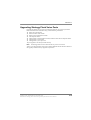
Note AMIS, fax, future delivery, and guest settings are
not available to the Stratagy Flash.
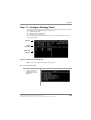
2.
Make changes to the
parameters.
See Chapter 3 – Configuring Stratagy for instructions on
changing the parameters.
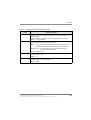
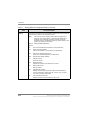
Important!
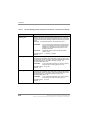
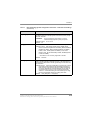
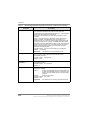
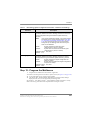
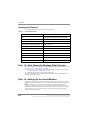
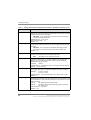
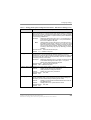
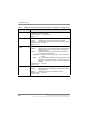
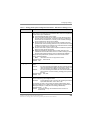
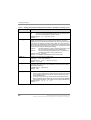
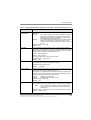
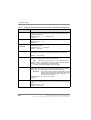
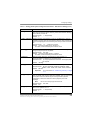
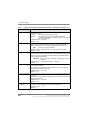
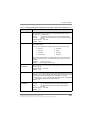
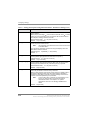
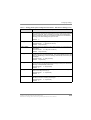
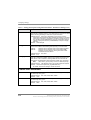
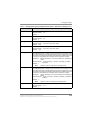
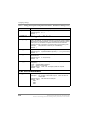
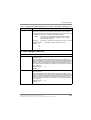
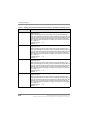
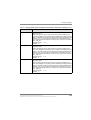
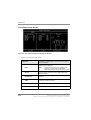
Take time to review the revised parameters in
Table 2-2 on page 2-18 and the new Release
3 parameters in Table 2-3 on page 2-20. They
are important to the proper functioning of the
Stratagy Flash and its features.
3.
Press ESC.
4.
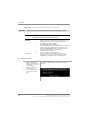
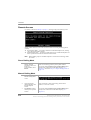
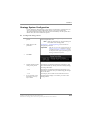
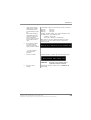
From the Stratagy System
Config screen, press 1
The changes are transmitted to Stratagy and Stratagy is shut
down and restarted. By shutting down and restarting Stratagy,
the changes take effect.
...or 2
The changes are transmitted to Stratagy but Stratagy is not
shut down or restarted. Until you restart Stratagy, the changes
do not take effect.
...or 3.
The changes you have made are cancelled and not saved.
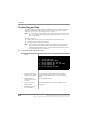
If you pressed 1 to save
the changes, press any
key to reboot.
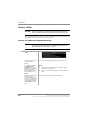
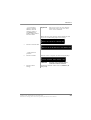
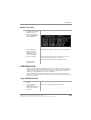
The DOS prompt displays. To continue, you must re-enter
Stratagy Admin.
5.
Stratagy Flash I&P Guide R3 November 2001
Refer to the Stratagy Voice Processing Library CD-Rom for more details.
2-17