1
TOC
INDEX
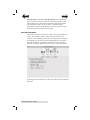
Continuous. (Sensor off.) If you have continuous stock with no
die-cut, reflective mark or holes, set the Sensor Type to
Continuous. This will turn off the stock sensor. In this mode
there is no way to set the print starting position. The printer
will simply start printing the first label and print each
subsequent label immediately after the previous. To produce a
gap between prints simply add the desired amount of white
space to the end of the label being printed.
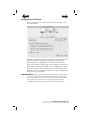
Set the Output Mode
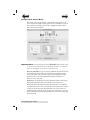
Toggle the Output mode to set whether or not the last label
printed will be presented or left inside the printer. To adjust the
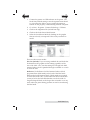
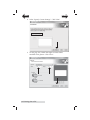
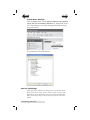
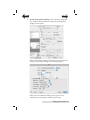
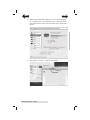
Output Mode, open the Printer Utility by going to Apple Icon –
System Preferences – Print and Fax (Mac 10.5 and 10.6), Print
and Scan (Mac 10.7 and 10.8). Click on the Color Label 900 and
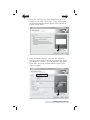
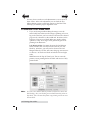
Select Open Print Queue. Select Setup – Utility – Open Utility.
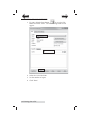
Select Alignment – Output Mode. Select the Output Mode by
clicking on the corresponding graphic.
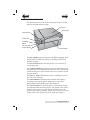
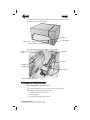
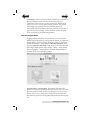
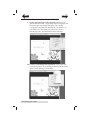
Present Labels – Yes (Default). This setting will cause the
printer to feed the last labels printed forward so that it and the
previous printed labels can be torn off using the tear bar. If no
other jobs are sent to the printer within one second after the
last label has printed, the last printed label will present for tear
off.
Printing from a Mac 41