1
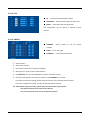
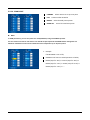
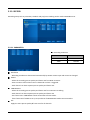
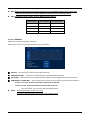
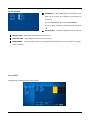
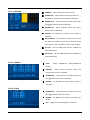
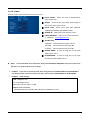
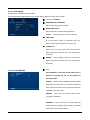
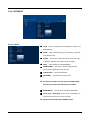
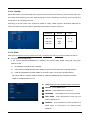
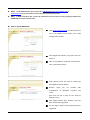
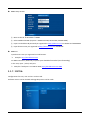
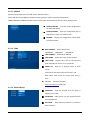
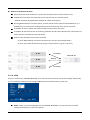
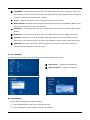
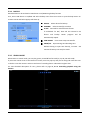
5.2.2.4. SCAN POINT CAMERA: Select camera to set up scan point LIST: Create another SCAN list PRESET: Select desired preset potion CLEAR ALL: Cancel all saved scan points NOTE In SCAN point menu, you can set up PTZ tour route(SCAN‐LIST) using saved PRESET position. You can create 4 scan lists for each camera. You should setup PTZ protocol and PRESET before setting Scan‐List. Maximum 4 SCAN lists can be set and 1 SCAN list can be composed of up to 16 preset points ¾ Example If SCAN POINT is set as left, CAMERA 1 will move to saved positions as below, PTZ04 (stays for 3sec) >> PTZ12 (stays for 3sec) >> PTZ04 (stays for 3 sec) >> PTZ12 (stays for 3 sec) >> PTZ04 (stays for 3 sec) >>…… ‐ 25 ‐