1
VE-1010 Veterinary PC ECG User Manual
Installing VE-1010 VET PC ECG Software
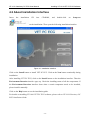
4.2 About Installation Interface
Insert
the
installation
CD
into
CD-ROM,
and
double-click
on
Setup.exe
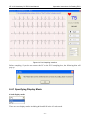
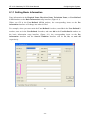
on the installation CD to open the following installation interface.
Figure 4-1 Installation Interface
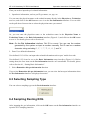
Click on the Install button to install VET PC ECG. Click on the Next button continually during
installation.
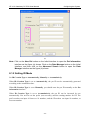
After installing VET PC ECG, click on the Install button on the installation interface. Then the
Environment Detection interface pops up. Check the installing status of all the components. If
the Environment Detection interface shows that a certain component needs to be installed,
please install it manually.
Click on the Help button to see the installation guide.
For details on installing VE-1010 VET PC ECG software, please refer to VE-1010 Veterinary PC
ECG Installation Guide.
- 13 -