1
Player Management
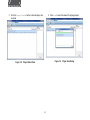
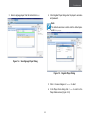
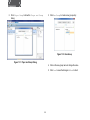
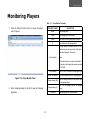
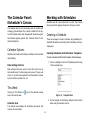
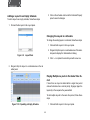
3. Select a signage player from the list and click Add.
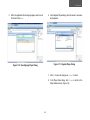
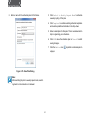
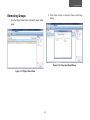
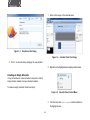
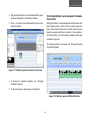
4. In the Register Player dialog enter the player’s username
and password.
Note:
The default username is admin and the default pass
word is signage.
Figure 1-4. Scan Signage Player Dialog
Figure 1-5. Register Player Dialog
5. Click OK to save changes or Cancel to abort.
6. In the Player Scan dialog click Close to return to the
Player Status screen.(Figure 3.2.3)
3-3