1
Chapter 6
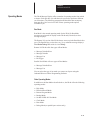
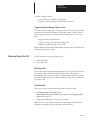
Other Operating Modes
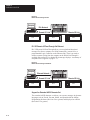
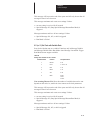
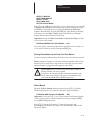
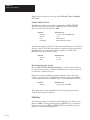
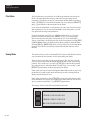
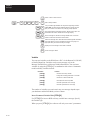
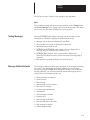
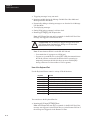
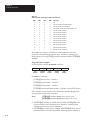
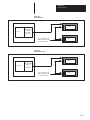
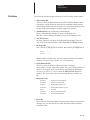
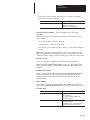
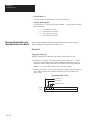
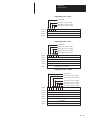
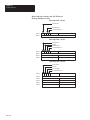
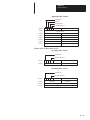
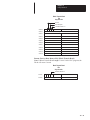
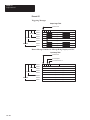
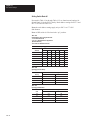
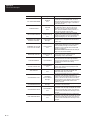
RAN
hour:minute:second month date year*
–
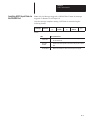
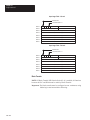
NEW IMAGE FILE (Bit Trigger Table)
hour:minute:second month date year (always time stamped)
– PRIORITY SECTION
a list of message numbers with bits set in the Priority Section or NO
MESSAGES will be displayed.
– ROUND ROBIN SECTION
a list of message numbers with bits set in the Round Robin Section or
NO MESSAGES will be displayed.
* If Time attribute is set.
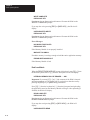
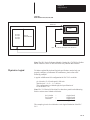
Note: Priority Message entries will be found among the Round Robin
messages or the Priority Section messages depending on which section was
running when the Priority Message was triggered.
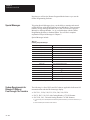
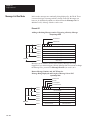
Number of Occurrences
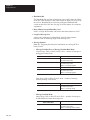
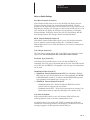
Information on the Historical Events Stack will be displayed by frequency of
occurrence. The message that is stacked (see note below) the most will be
displayed first; the least will be displayed last. To view the next event on the
stack, you press any key on the keyboard or the [SELECT] or [ENTER]
push button on the front panel.
Note: A message can be triggered once but stacked several times if variables
are updated.
Note: If you entered this mode via the DL40 Keyboard Port, you must
continue to use the DL40 Keyboard Port; if you entered via the front panel
push buttons, you must continue to use the front panel push buttons.
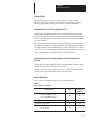
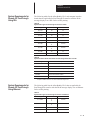
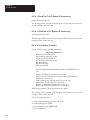
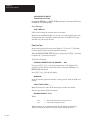
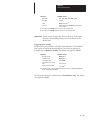
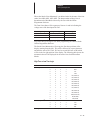
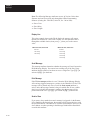
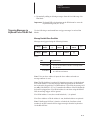
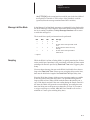
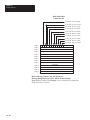
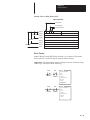
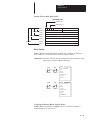
Events are displayed (one message per screen) in the following format:
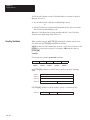
MSG#: NNNN XXX
Where:
NNNN
=
Message Number (1–9999)
XXX
=
Number of times message was triggered (after 999 the count will
recycle to 1)
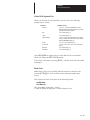
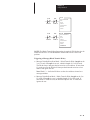
Press any key on the keyboard or the [SELECT] or [ENTER] push button on
the front panel to bring up the next message.
Pressing [ESC] or [MSG ACK] returns you to the # OF OCCURRENCES
prompt.
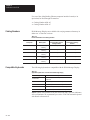
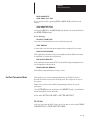
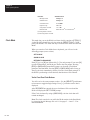
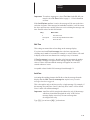
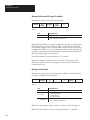
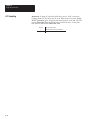
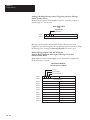
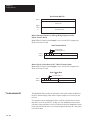
After the last event is displayed, the DL40 will display:
END OF H.E. STACK
PRESS ANY KEY
6–5