1
Function Operation
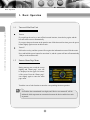
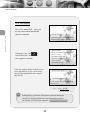
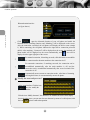
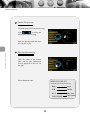
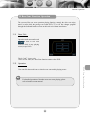
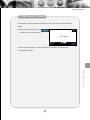
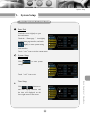
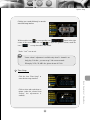
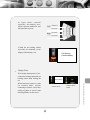
Click
to return to the play contents menu.
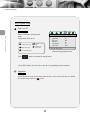
iPod player display image:
iPod
KOGND
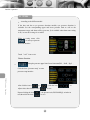
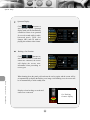
Enable disconnecting
At this mode the iPod player can not be operate
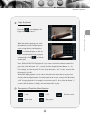
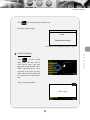
Video File Playing
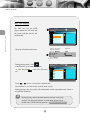
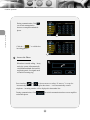
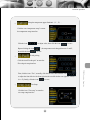
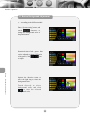
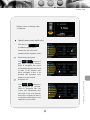
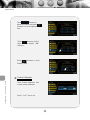
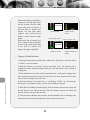
Click
to return to iPod
main menu, and then click 6
video item to select video play
and switch to iPod operation state.
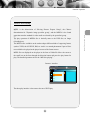
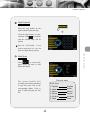
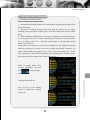
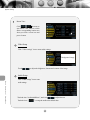
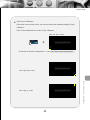
While operating iPod, select
execution of the video file play,
and the iPod video file image can
be transferred to the host unit to
play.
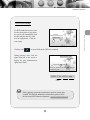
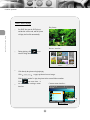
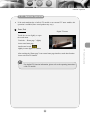
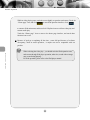
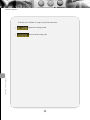
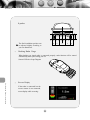
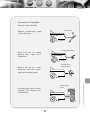
Video play
Video play
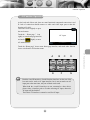
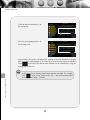
Enter video play interface:
Video image
34
Ipod Function Operation
7