1
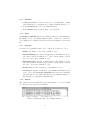
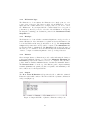
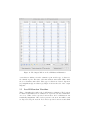
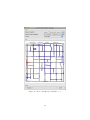
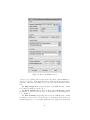
Figure 14: The Network Kernel Density Visualizer tool
5.3
Planar Kernel Visualizer
This tool visualizes the results of the planar Kernel density estimation. It can
be directly launched from the Kernel Density tool (in this case its input field
will be automatically populated).
5.3.1
Workflow
1. In the Input panel, specify an ASCII file that contains the results of the
planar Kernel density estimation.
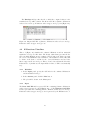
2. In the Actions panel, click the Visualize button.
3. The 2D density surface will be drawn in the View panel.
18