1
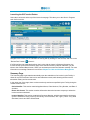
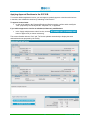
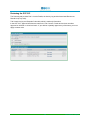
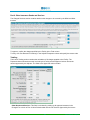
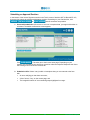
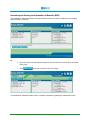
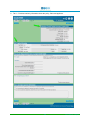
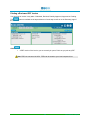
Printing a Reviewed OCF Invoice You can print an invoice in any state—Submitted, Declined, Partially Approved, Approved or Pending. The the form. button is available at the top and bottom of each step as well as on the Summary page of Click . A PDF version of the invoice you are currently in opens. Print it as you print any PDF. Note: PDFs are not saved in HCAI. PDFs can be saved to your local computer drive. 29 Insurer Manual – Chapter 8