1
Nero
7.
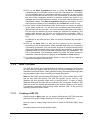
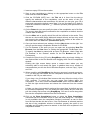
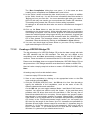
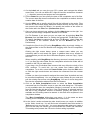
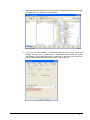
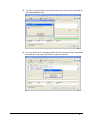
Select the desired data and move it from the compilation window (on the right
side) into the burn window (on the left side).
8.
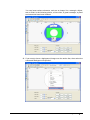
If you are not sure whether a LightScribe label will be printed, check the
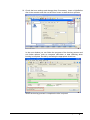
settings. Choose 'File' > 'Preferences' > 'LightScribe' and check if the control
field 'Always print LightScribe Label' is selected. If this is not the case, then
please select it and click on the 'OK' button to close the tab.
LightScribe • 108