1
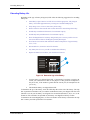
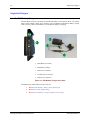
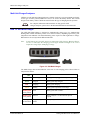
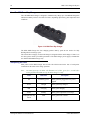
MX8 Desktop Cradle
51
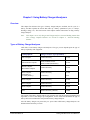
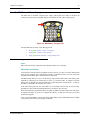
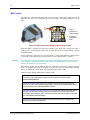
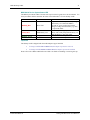
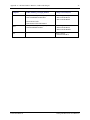
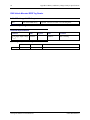
MX8 Mobile Device System Status LED
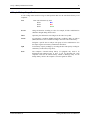
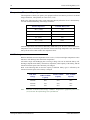
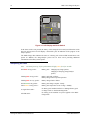
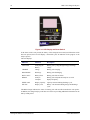
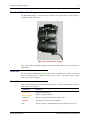
The MX8 System Status LED is located at the top left of the keypad, above the Scan button. Use
the System Status LED to determine the status of the MX8 while it is in the desktop cradle.
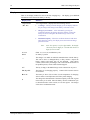
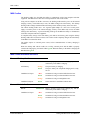
When the LED is . . .
The Status is . . .
Blinking Red
Power Fail
Steady Red
Main Battery Low
Blinking Green
No Color
Display Off
Good
Comment
Replace the main battery with a fully charged
main battery. Or Connect the MX8 to
external AC power to allow the internal
charger to charge the main battery e.g. dock
in a powered cradle.
Low Battery Warning. Replace the main
battery with a fully charged main battery. Or
dock the MX8 in a powered cradle.
No user intervention required.
No user intervention required.
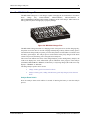
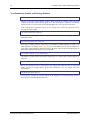
Important
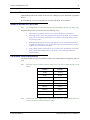
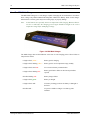
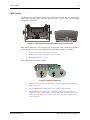
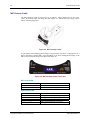
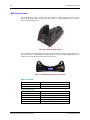
The desktop cradle is shipped with the cradle adapter cup pre-installed.
•
To charge an MX8 with a rubber boot, the adapter cup must be removed.
•
To change an MX8 without a rubber boot, the adapter cup must be installed.
Please refer to the “MX8 Cradle Reference Guide” for details on installing or removing the cup.
E-INF-BATTERY-G
Getting The Most From Your Batteries