1
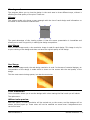
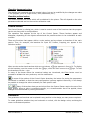
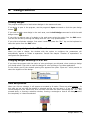
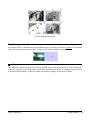
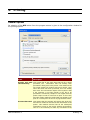
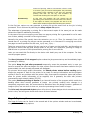
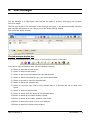
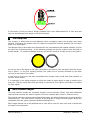
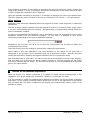
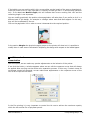
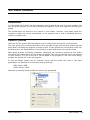
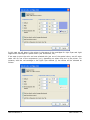
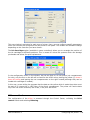
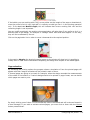
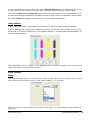
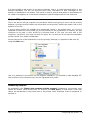
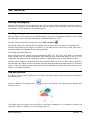
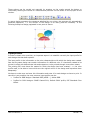
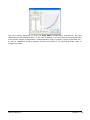
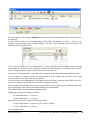
This safety band looks like a small rainbow whose total band thickness we can control.
Print statistics and comments.
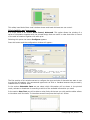
It is to be found in the branch Print Control, Advanced. This option allows the printing of a
series of information together with the printed design that are useful in order that there is record
of the said information together with each print.
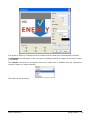
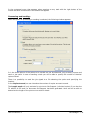
Selecting this option the button Configure appears.
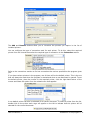
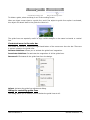
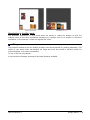
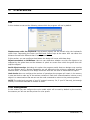
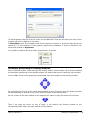
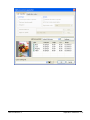
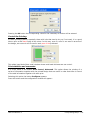
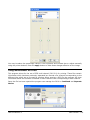
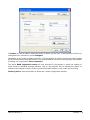
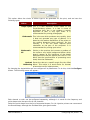
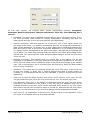
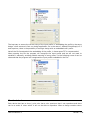
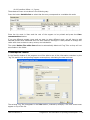
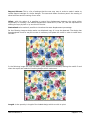
Press this button and the configuration window will appear:
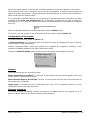
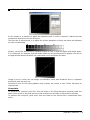
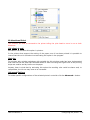
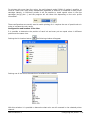
The first section of this window serves to configure the type and size of character we want to use
to print the information. We recommend types such as Arial or Verdana because they are easily
readable even in smaller sizes.
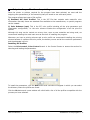
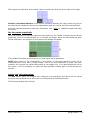
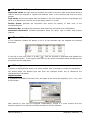
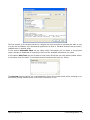
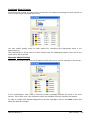
In the section Selectable Data we can select which information will be shown in the printed
result, activate or deactivate it according to which of the available information you need.
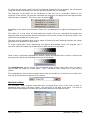
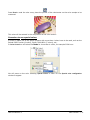
In the section User Text you will be able to write freely all the text you wish and the editor allows
to introduce multi line texts. To introduce several lines press the keys ctrl.+Enter
User's manual 5.5
Configuring the printer • 94