1
Special Programming Mode (SPM)
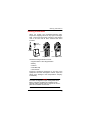
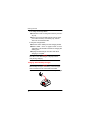
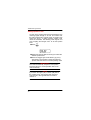
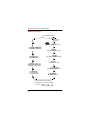
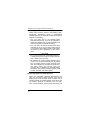
➊ In SPM, rotate the Channel Selector Knob (2) to
the Set Accessory Option (
- Autosense or
- Speaker Microphone Only or
Headset Only) menu.
or
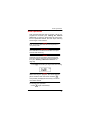
➋ Use the
three options.
(or
M
ME
) to scroll through the
CAUTION
The new setting is stored immediately.
➌ To exit this menu, select another menu item by
turning the Channel Selector Knob (2).
NOTE
When Autosense is selected, the radio checks the
accessory jack to see what type of accessory is
connected. When Headset Only is selected, the
radio supports only an earpiece or headset, and all
external PTT inputs are ignored. When Speaker
Microphone Only is selected, the radio assumes
that an accessory with an external PTT switch will
be used to transmit voice. The radio’s internal
microphone will not transmit voice whenever an
accessory is connected.
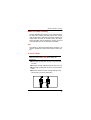
IMPORTANT
The radio should be turned off when an audio
accessory with a microphone is connected to the
radio. This is to ensure the proper operation of the
Push-To-Talk (PTT) Button (6).
37