1
PNet Control Software
USER MANUAL
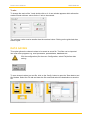
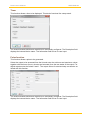
Then select the Channel tab and choose the channel for which the values need to be saved.
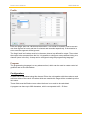
Select the Time tab, if it is necessary to record the time interval between two entries and the
time format.
For example: a period of 10 seconds will write a new line, every 10 seconds in the file. The
decimal separator for the saved values can also be chosen. This depends on the computer
configuration which will read the file. If the point is choosed and the PC uses comma as a
separator, the program (like Microsoft EXCEL,...) will probably interpret the values as a character chain and not as numbers. So the separator has to be chosen according to the needs.
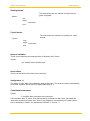
Absolute time means that the recorded time contains the date and the time of the data. Relative time means that the time starts at 0.
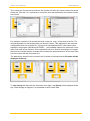
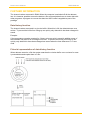
The data will be saved from the moment the On button is pressed and the file name will be
displayed at the top.
To stop saving the data click the On button once again, and [None] will be displayed at the
top. If data storage is stopped, it is impossible to save further data.
www.lambda-instruments.com
11