1
69
Using Chargemaster Analyzer
5.
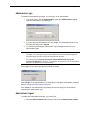
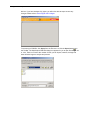
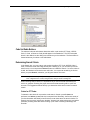
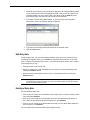
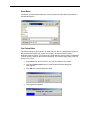
Browse to your IE and Chargemaster Analyzer can quickly find it in subsequent
print requests. Ingenix cannot tell you where IE is located on your PC, however, the
most frequently found path is at c:\Program Files\Internet Explorer\iexplore.exe. If
you normally use another browser other than IE, be aware that optimum printing
performance from Chargemaster Analyzer is obtained through IE. Double-click on
the proper iexplore.exe file or select it and click OK.
6.
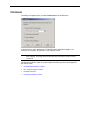
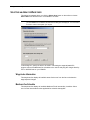
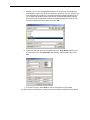
IE will open with the report you requested. Go to the Page Setup selection from
IE’s File menu. Click the Landscape radio button in the Orientation field. Click
OK.
7.
From the File menu, select Print or click the print button on IE’s toolbar.
You will not have to do Steps 5 or 6 after you have successfully received your first printout.