1
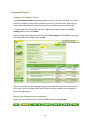
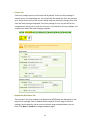
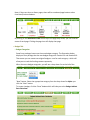
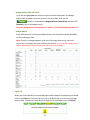
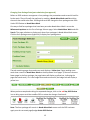
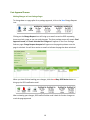
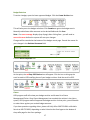
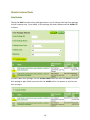
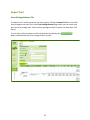
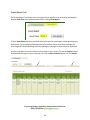
Contact Tab Each form package opens to the Contact tab by default. Unless the form package is entirely new or a competitive grant, the contacts will be copied over from the previous year. Verify the accuracy of the contacts listed, make any necessary changes, then click save and mark the page completed. If the form package is new, you will still see the orange banner asking you to verify for accuracy. It is standard on all form packages. Just complete the fields, and mark the page complete. Application/RFP/Report Tab The next tab in the form package is the Application/RFP/Report tab, depending on the type of form package. Enter or update data as required for each page in the form package. Save frequently, and be sure to mark each page completed when you are done. Click Next or Previous to navigate between pages. 11