1
User’s Manual of MGSW-28240F
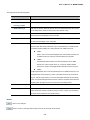
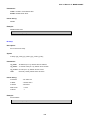
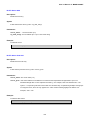
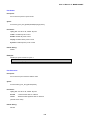
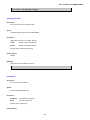
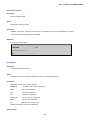
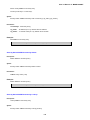
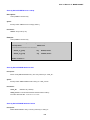
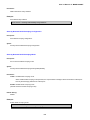
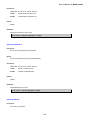
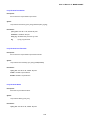
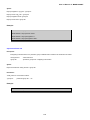
Parameters:
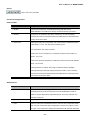
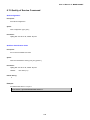
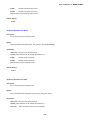
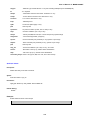
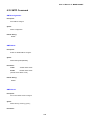
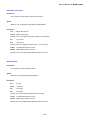
<port_list>: Port list or 'all', default: All ports
auto
: Auto negotiation of speed and duplex
10hdx
: 10 Mbps, half duplex
10fdx
: 10 Mbps, full duplex
100hdx
: 100 Mbps, half duplex
100fdx
: 100 Mbps, full duplex
1000fdx
: 1 Gbps, full duplex
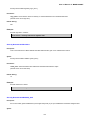
(default: Show configured and current mode)
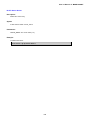
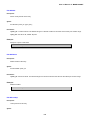
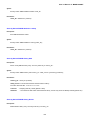
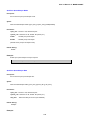
Default Setting:
Auto
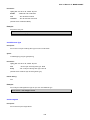
Example:
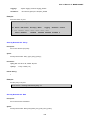
Set 10Mbps (half duplex) speed for port1
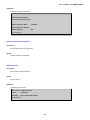
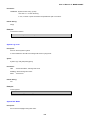
MGSW-28240F:/>port mode 1 10hdx
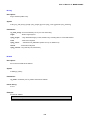
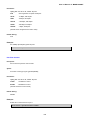
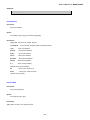
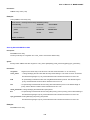
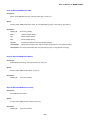
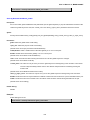
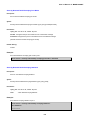
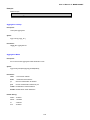
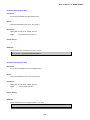
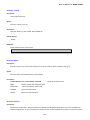
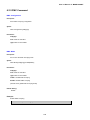
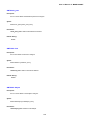
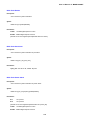
Port Flow Control
Description:
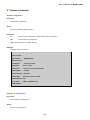
Set or show the port flow control mode.
Syntax:
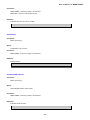
Port Flow Control [<port_list>] [enable|disable]
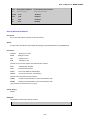
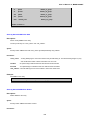
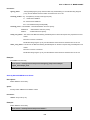
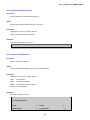
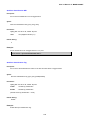
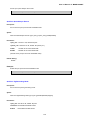
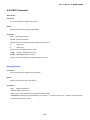
Parameters:
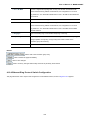
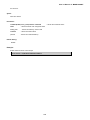
<port_list>: Port list or 'all', default: All ports
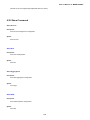
enable
: Enable flow control
disable
: Disable flow control
(default: Show flow control mode)
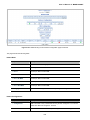
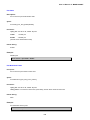
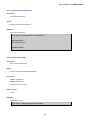
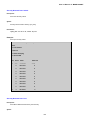
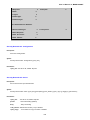
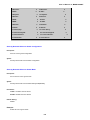
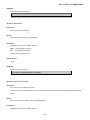
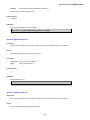
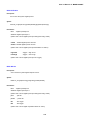
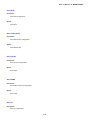
Default Setting:
Disable
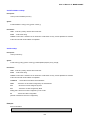
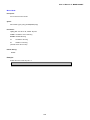
Example:
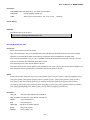
Enable flow control function for port1
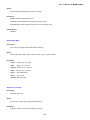
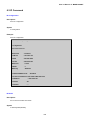
MGSW-28240F:/>port flow control 1 enable
404