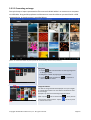
1
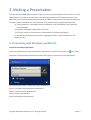
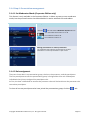
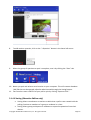
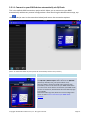
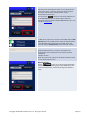
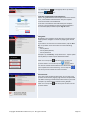
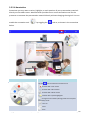
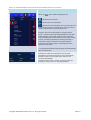
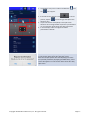
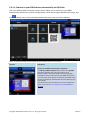
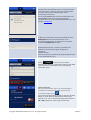
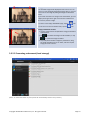
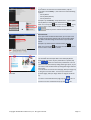
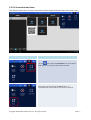
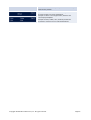
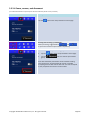
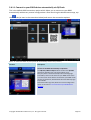
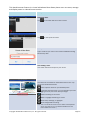
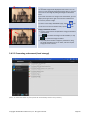
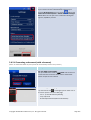
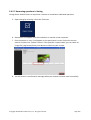
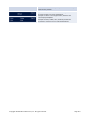
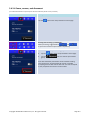
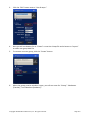
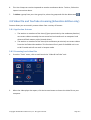
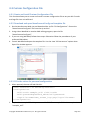
Confirm connection:
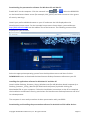
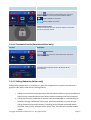
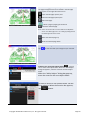
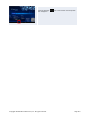
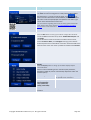
After your NovoPresenter app on your iPad is connected
successfully to your B360, the connection tab will light up
blue
.
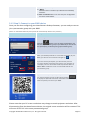
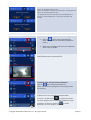
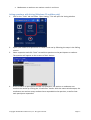
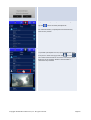
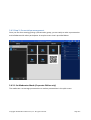
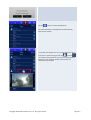
If you are the first participant, you will see that your iPad's
on-screen display is wirelessly mirrored on your projector or
TV display. You can slide the PIN requirement switch to OFF or
ON to disable or enable usage of a PIN code.
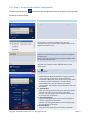
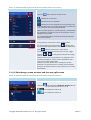
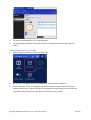
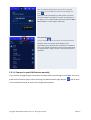
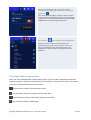
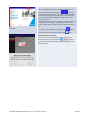
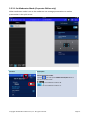
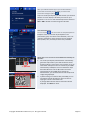
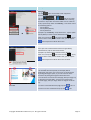
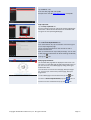
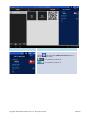
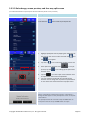
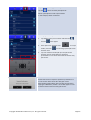
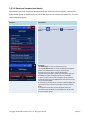
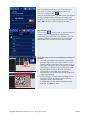
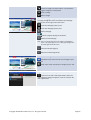
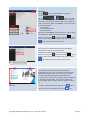
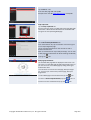
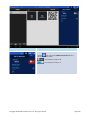
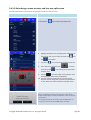
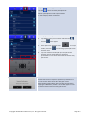
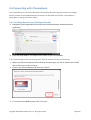
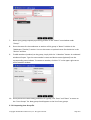
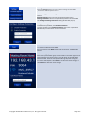
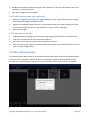
View participants list:
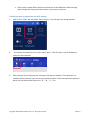
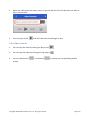
You can tap the
tab to see the current participant list.
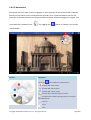
Example: There are a total of six participants in the
presentation group shown at left. The host is John. However,
John is not making a presentation at the moment because he
has assigned Kevin, Amber, Jennifer, and Katy to be the four
presenters.
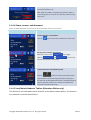
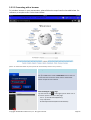
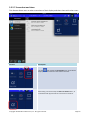
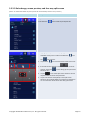
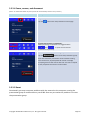
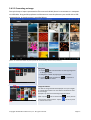
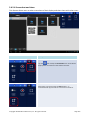
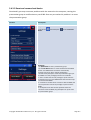
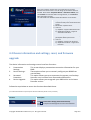
3.2.1.2 Connect to your B360 device manually
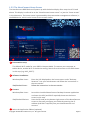
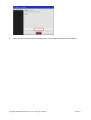
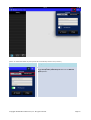
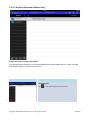
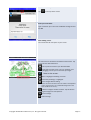
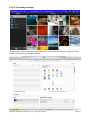
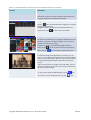
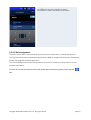
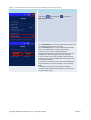
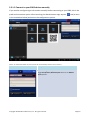
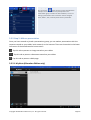
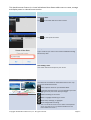
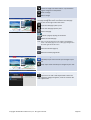
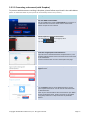
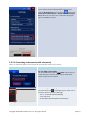
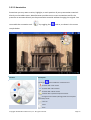
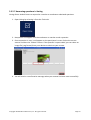
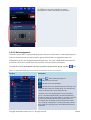
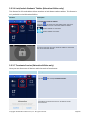
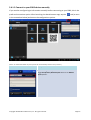
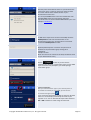
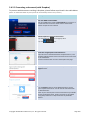
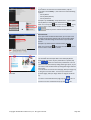
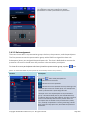
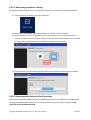
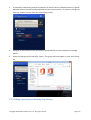
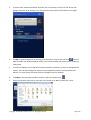
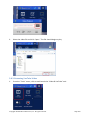
If you need to configure login information manually before connecting to your B360, this is the
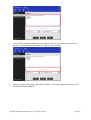
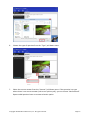
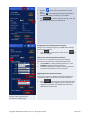
preferred connection option. After launching the NovoPresenter app, tap the
tab (as seen
in the screenshot below) to access the configuration options.
Copyright © 2014 DELTA Electronics, Inc. All rights reserved.
Page 32