1
Additional Options (Save
as Drafts\Template, Save and Submit, View Limits)
34. Additional Options (Save as Drafts\Template, Save
and Submit, View Limits)
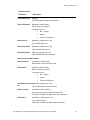
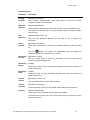
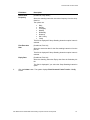
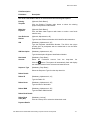
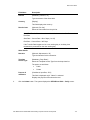
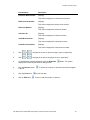
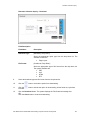
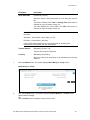
While doing Payments transactions there are additional options available as Save as
Drafts\Template, Save and Submit, View Limits.
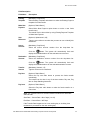
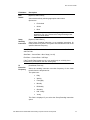
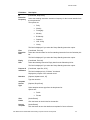
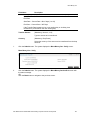
Using Save as Drafts\Template option, you can save the entered details as drafts or
templates. These saved drafts or templates can be used later for any of the payments
transactions. You need not to enter any field details for those fields which are already
filled in these existing drafts or templates.
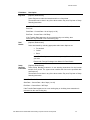
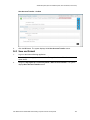
Using Save and Submit you can save as well as initiate that transaction.
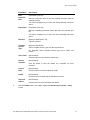
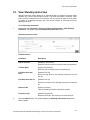
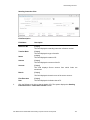
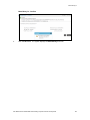
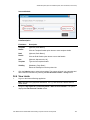
Using View Limits option, you can view the limits status for that particular transaction.
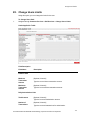
34.1 Save as Drafts
1.
Log on to the Internet Banking application.
Note: Navigate to any payments transaction. For e.g. Own Account Transfer which is
shown below.
2.
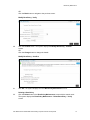
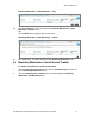
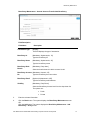
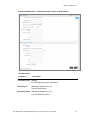
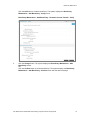
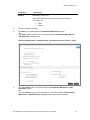
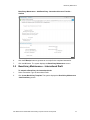
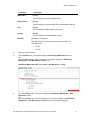
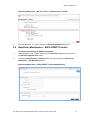
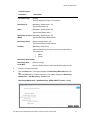
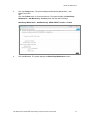
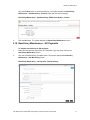
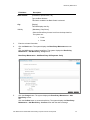
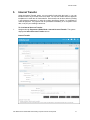
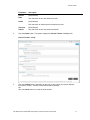
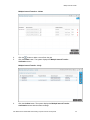
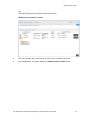
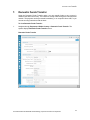
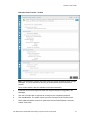
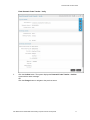
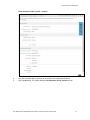
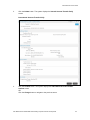
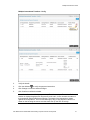
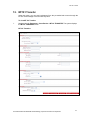
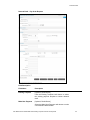
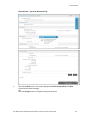
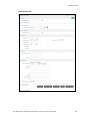
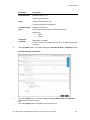
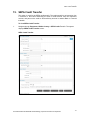
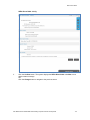
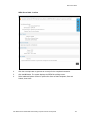
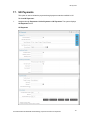
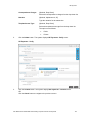
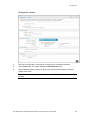
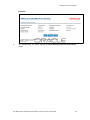
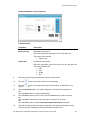
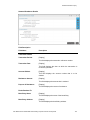
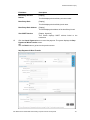
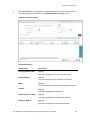
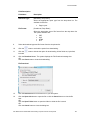
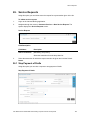
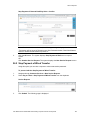
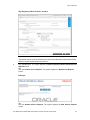
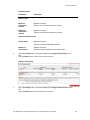
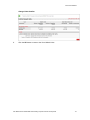
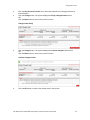
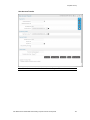
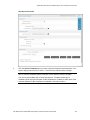
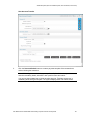
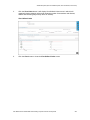
Navigate to My Payments > Online Payments > Own Account Transfer. The system
displays Own Account Transfer screen.
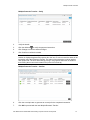
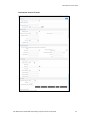
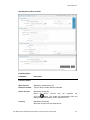
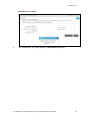
Own Account Transfer
User Manual Oracle FLEXCUBE Direct Banking Corporate Transfer and Payments
193