1
Data Logger Configuration
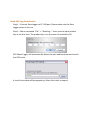
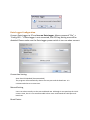
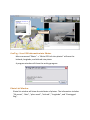
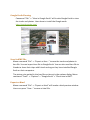
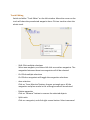
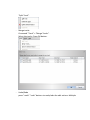
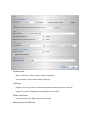
Connect Data Logger to PC and turn on Data Logger. Menu command “File” ->
“Config GPS…” If Data Logger is not connected, the GPS Log Setting area will be
disabled. Please make sure the Data Logger power switch is turn on when connect.
Connection Setting:
Auto Scan GPS Module (Recommended)
The program will automatically detect the com port and the baud rate. It is
recommended to set to auto scan.
Manual Setting
Users can also manually set the port and baud rate. Although it can speed up the initial
connect time, but it is not recommended unless users understand the valid port and
baud rate.
Reset Device